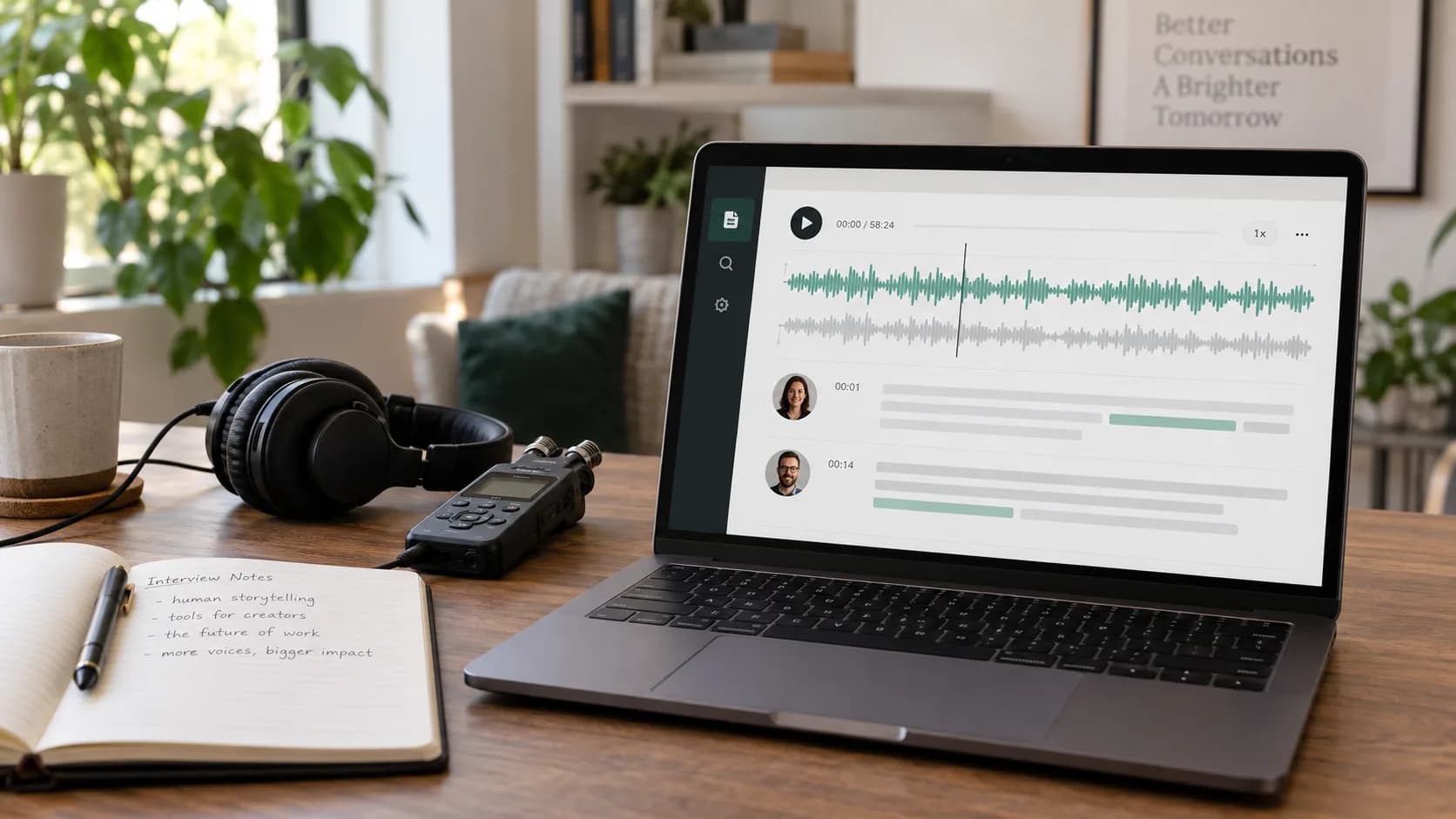
 Audio to text
5 minBeginner
How to Transcribe Your First Audio or Video File
Upload a recording, choose the spoken language, review timed segments and export a clean transcript or subtitle file.
View tutorialCover transcription, speech, talking photos, track separation, video creation and media tools with clear steps and direct links to each feature.
Recommended path
17 practical tutorials
Audio to textUpload a recording, choose the spoken language, review timed segments and export a clean transcript or subtitle file.
View tutorial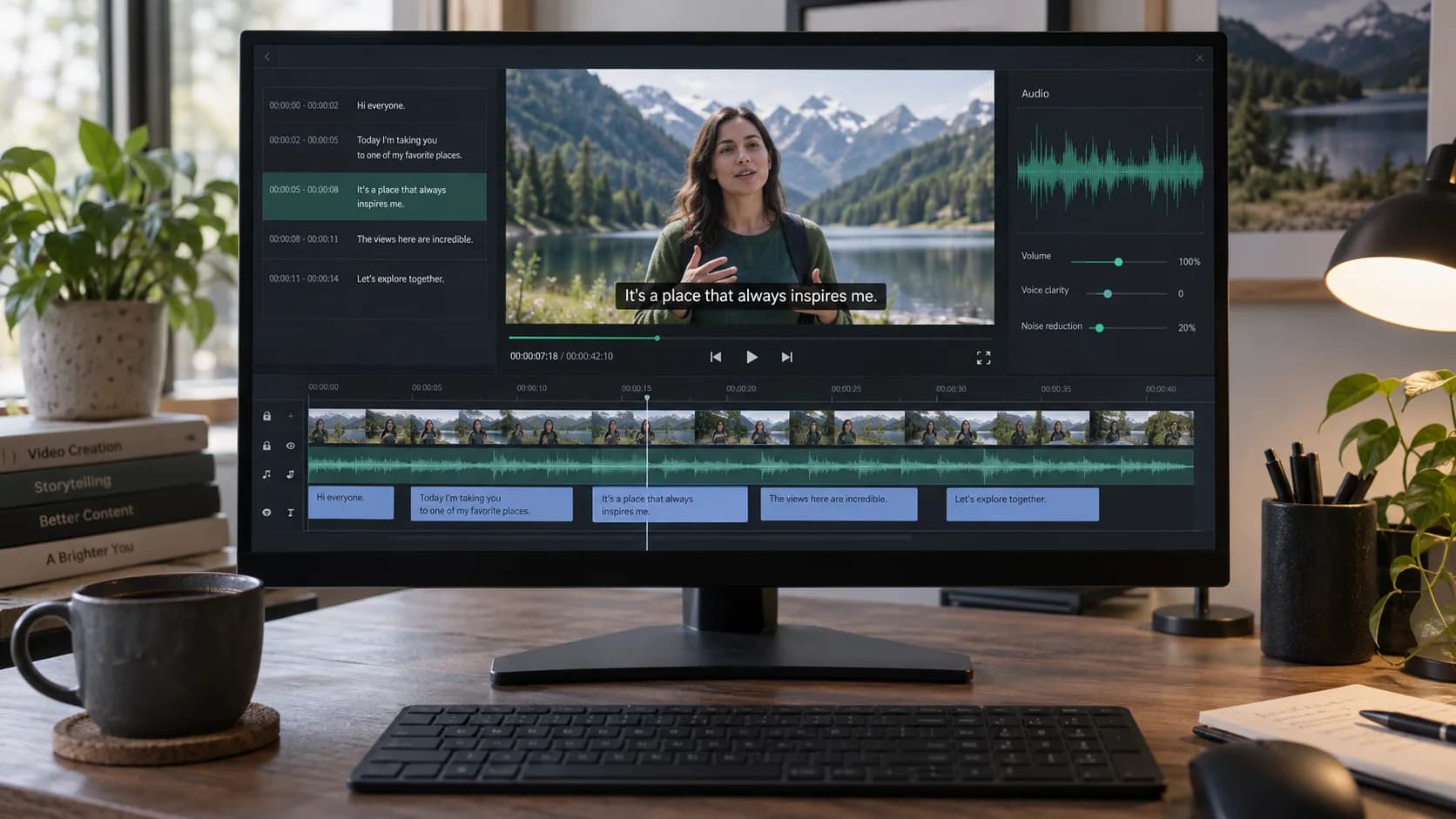 Transcript translation
Review a transcript, choose a target language and export translated TXT, translated SRT or bilingual SRT without replacing the source.
View tutorial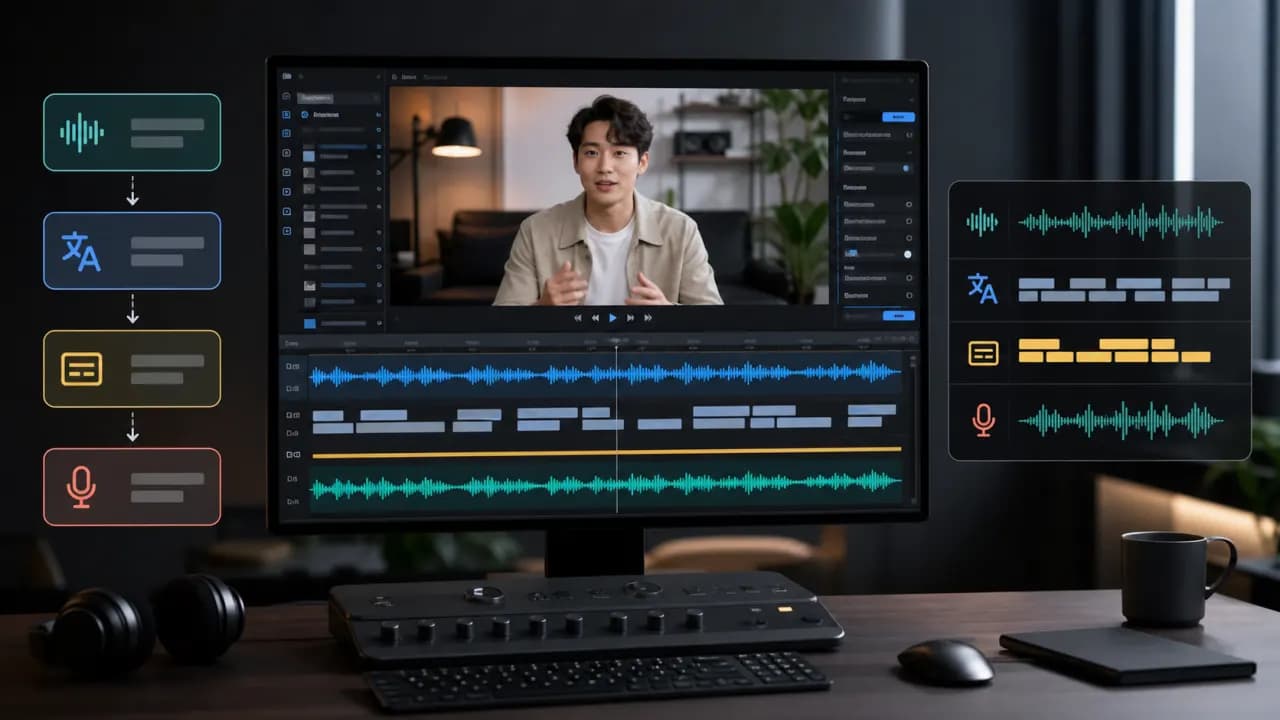 Video translation
Upload a video, choose languages, review subtitles and export your first translated video in Vimorph.
View tutorial Video localization
Create several localized versions from one source upload and review each language independently.
View tutorial Asset management
Store a video once and reuse it in video translation without uploading the same COS object again.
View tutorial Asset management
Understand how Vimorph keeps uploaded sources, project files and saved library assets.
View tutorial Text to speech
Write or paste a script, choose a voice and generate downloadable speech.
View tutorial Audio Studio
Build a multi-segment audio project, manage speakers and export the finished programme.
View tutorial AI Music
Describe the mood and use case, generate music options and download the track that fits.
View tutorial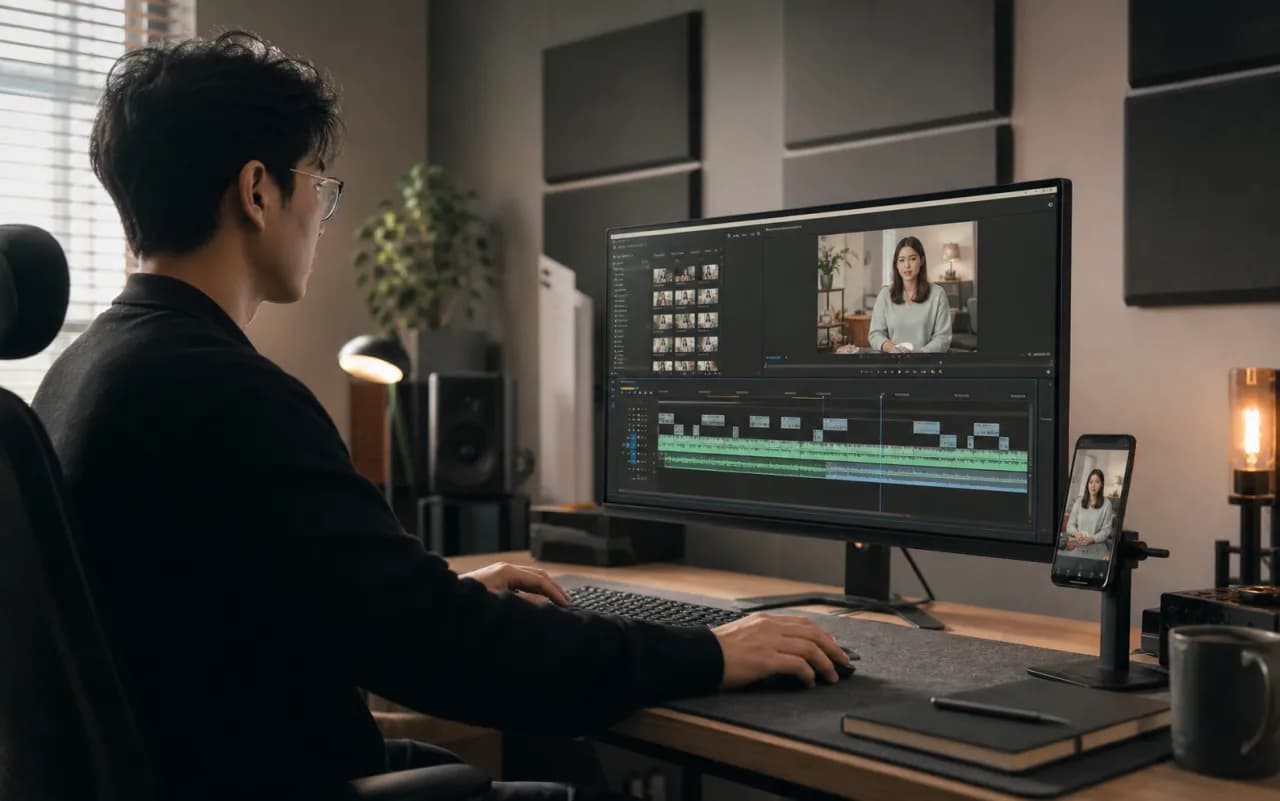 Video Remix
Turn source material into a reviewed short-video structure with script, storyboard and timeline edits.
View tutorial Video Erasure
Upload a clip, mark the unwanted area, preview the removal and export a checked result.
View tutorial Talking Photo
Combine a suitable portrait with text or audio, choose a voice and generate a talking-photo video.
View tutorial Track Separation
Upload audio or video, choose the required stems and download the separated tracks after listening.
View tutorialMedia ToolsChoose a focused media utility, add a file, set the output and verify the result before download.
View tutorial Voice Library
Filter, preview and compare voices before using one in a speech or video project.
View tutorial Voice Clone
Prepare an authorized sample, create a voice clone and test it before production use.
View tutorial Voice Design
Describe voice traits, generate candidates and refine the direction using focused listening tests.
View tutorial