Add your script
Type up to 150 characters here, or bring a complete script into the workspace.
Text to speech
Create natural, expressive voiceovers for videos, podcasts, ads, courses, and stories — no recording required.
Free to try·No credit card required·Commercial-ready audio
ONLINE AI VOICE GENERATOR
Free to try · No sign-up
Emotion
Insert effect
How it works
Type up to 150 characters here, or bring a complete script into the workspace.
Select a voice and tune its pace and volume for the message.
Listen immediately, then continue in Vimorph for complete projects.
Delivery controls
Use simple controls to keep a tutorial measured, make a short video feel energetic, or give a product story a confident pace.
Natural public voices ready to use
Adjustable speaking speed and volume
Export-ready audio in the full workspace
Made for real work
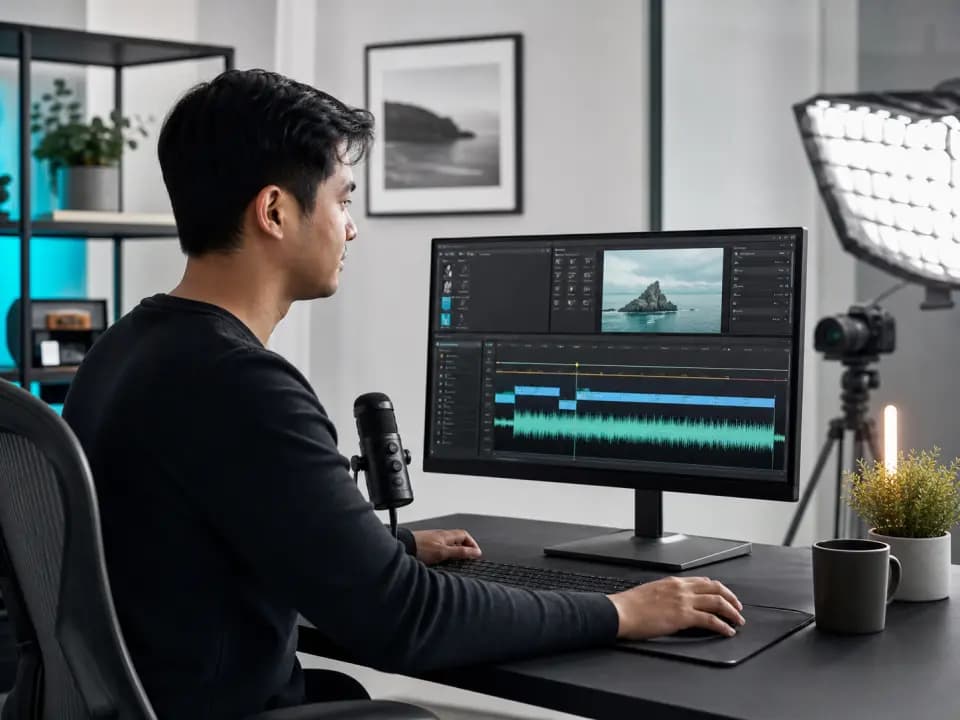
Clear, consistent voiceovers for explainers, reviews and tutorials.
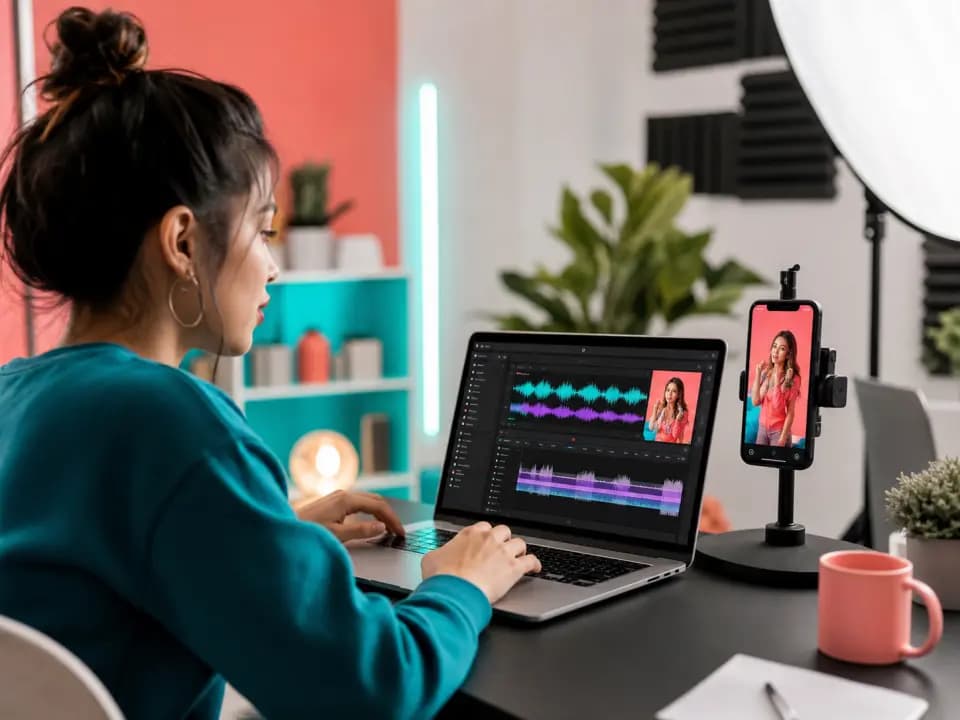
Fast hooks and natural delivery for Reels, Shorts and social clips.
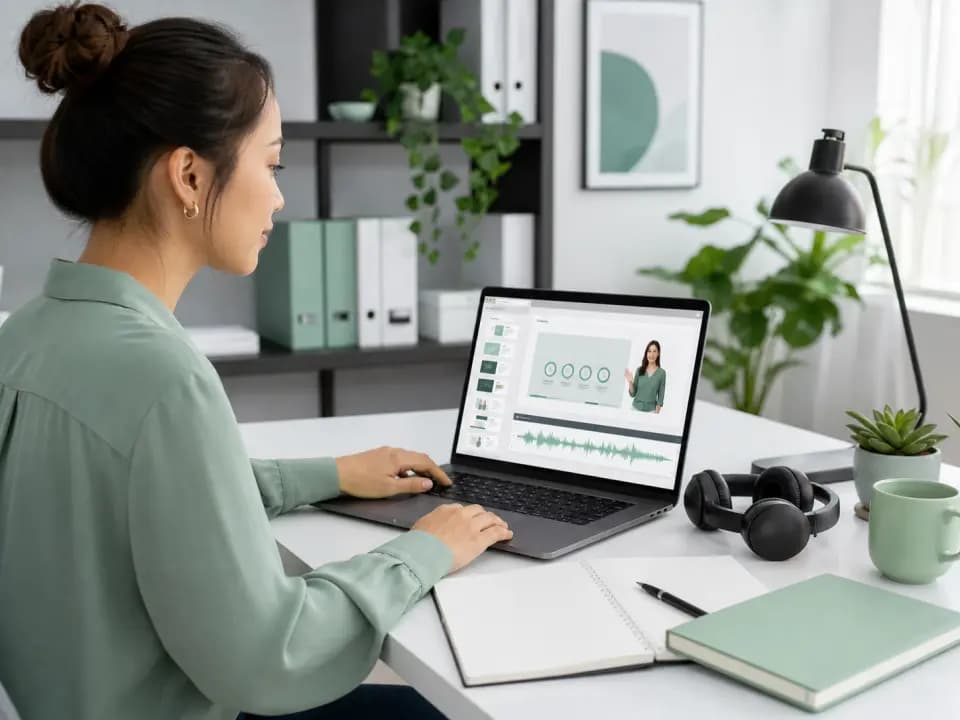
Calm, repeatable narration for lessons and internal learning.
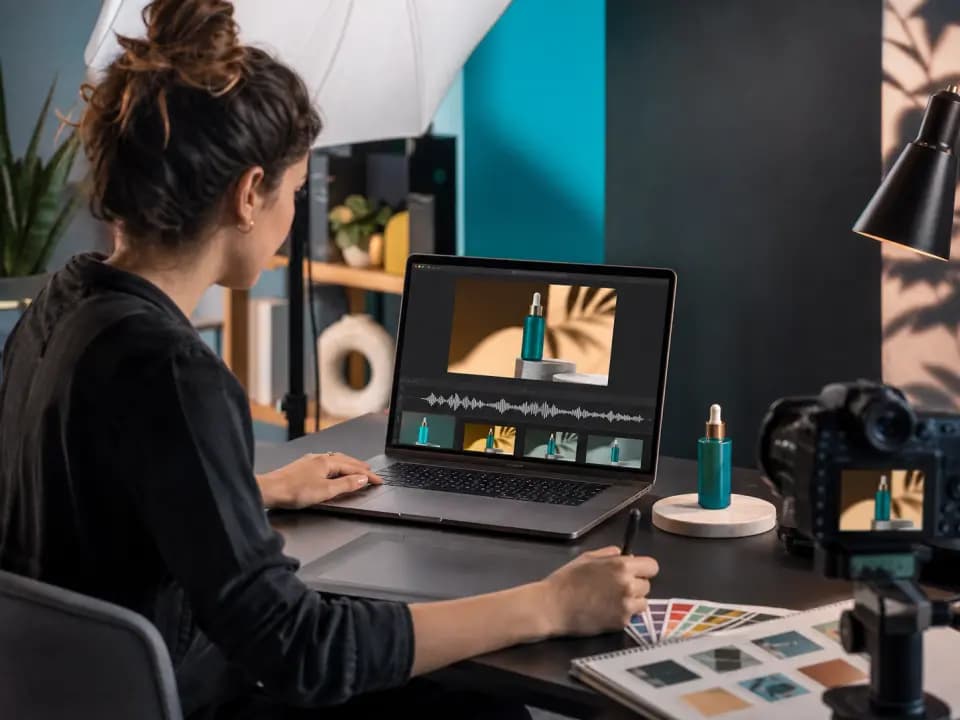
Polished reads for demos, promos and campaign variations.
Free access
Longer scripts, more voices and complete creator workflows are waiting inside.
FAQ
AI text to speech turns written text into spoken audio using AI-generated voices. It helps you create voiceovers without recording your own voice.
Yes. You can use AI text to speech to create narration for YouTube tutorials, explainers, product videos, Shorts, and other creator formats.
Yes. Vimorph is designed to help you generate export-ready audio that you can use in video, podcast, course, and marketing workflows.
Text to speech starts from a written script and creates new voice audio. AI dubbing starts from an existing video and creates a translated or localized dubbed version.
Yes. AI text to speech works well for video narration when you have a prepared script and need clear, consistent audio for tutorials, product videos, courses, or ads.
AI voiceovers can be useful for commercial videos, ads, courses, and product demos. Always review the terms and usage rights for your specific project.
No. The basic workflow is simple: paste your script, choose a voice, select a style, generate audio, and use the result in your content.