Rebuild content for every platform
For short-video creators
Create once.
Publish everywhere.
Create AI voiceovers, subtitles and multilingual versions for TikTok, Reels and YouTube Shorts—all from one piece of content.
No credit card requiredPreview before exportOne connected workflow
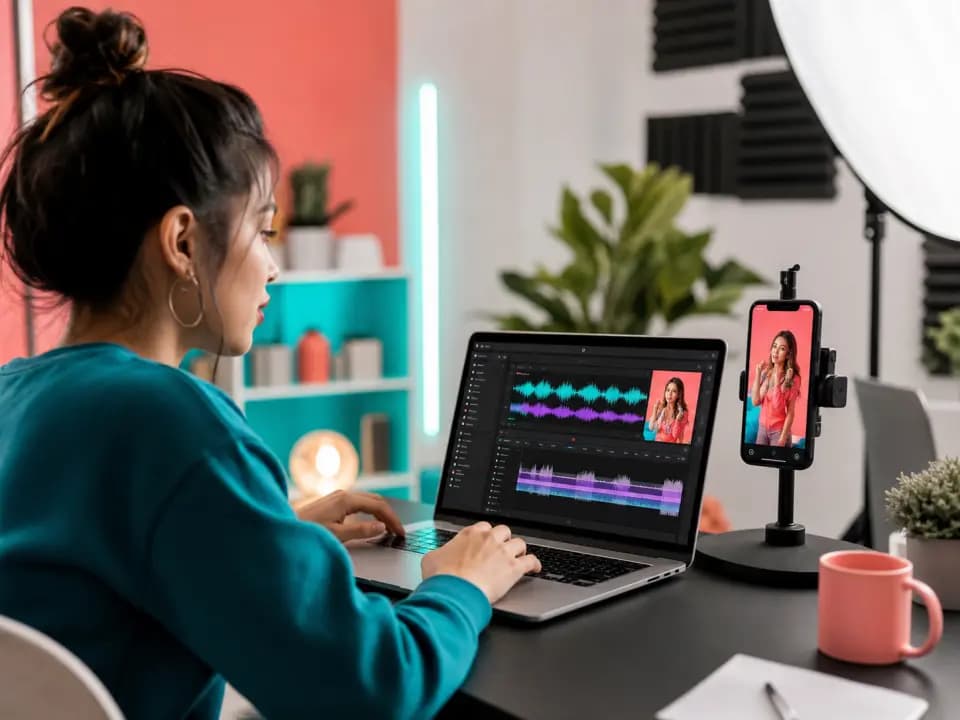 Product preview
The future belongs to those who build it.
Less repetitive work
One workflow, more publish-ready versions
Handle voice and captions separately
Keep them in one creation workflow
Language limits distribution
Prepare multilingual versions faster
Three clear steps
From one video to publish-ready versions
1
Upload video or prepare content
Start with a supported video file or the content you want to voice.
2
Create voice, captions or translation
Choose the language, voice and subtitle settings needed for the version.
3
Preview and export
Review the result, then export supported files for your publishing workflow.
Product workflow
See the whole workflow in one place
Review the video, current caption, timeline and output settings before entering the real workspace.
Selected clip
The future belongs to those who build it.
Selected clip
The future belongs to those who build it.
Creator scenarios
One workflow for every short-form publishing goal
Multi-platform distribution
Prepare the same idea for TikTok, Reels and Shorts.
- Input
- One vertical master
- Focus
- Captions and platform-ready framing
- Output
- Multiple publishing versions
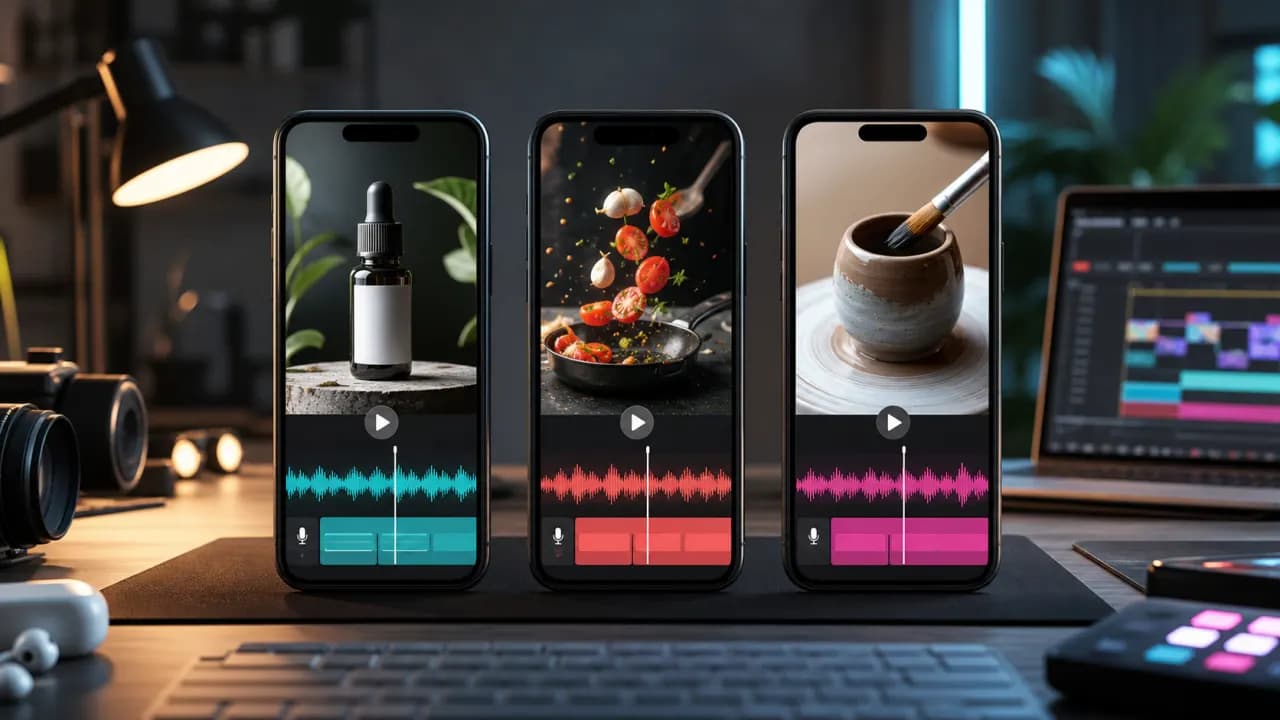
Multilingual short videos
Adapt a short video for audiences in other language markets.
- Input
- Existing short video
- Focus
- Translation, AI voice and subtitles
- Output
- Localized video versions
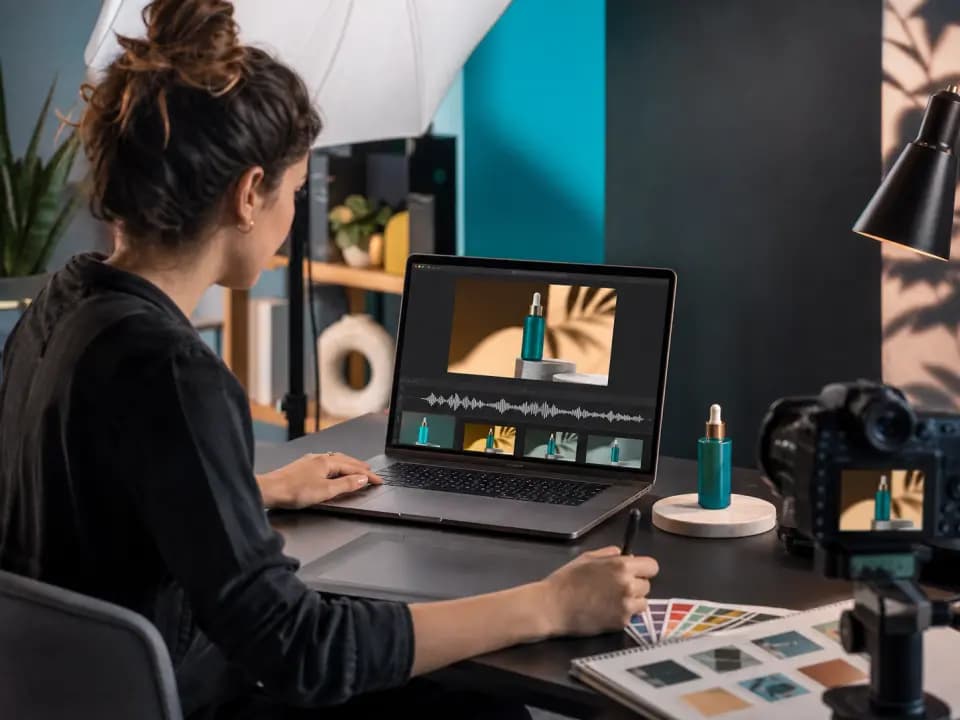
Product marketing and ads
Turn product footage into concise voice-led campaign material.
- Input
- Product demo or ad clip
- Focus
- Clear narration and call to action
- Output
- Campaign-ready short video
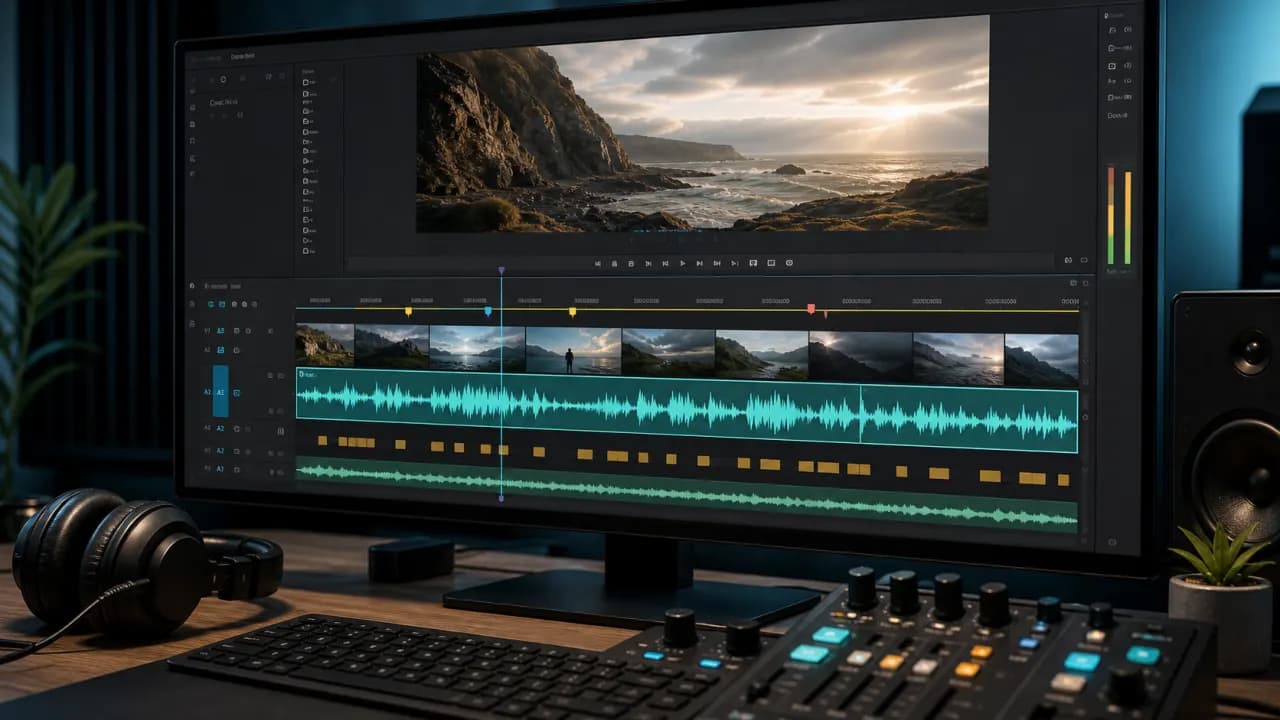
Fast content variations
Prepare alternate voice and caption treatments from one source.
- Input
- One core story
- Focus
- Voice, caption and language variations
- Output
- Reviewable creative versions
Publish-ready results
Everything ready for the next publishing step
Outputs confirmed by the current video translation workflow.
MP4
Voiced or localized video
Composed video using the selected voice and subtitle settings.
SRT
Timed subtitles
Subtitle file generated with the completed supported task.
Audio
Generated audio track
AI voice output used in the video workflow.
Workspace
Editable workspace task
Review segments, timing and voice choices before final export.
Connected capability chain
From source content to every publishing destination
FAQ
Everything short-video creators need to know
The current video workspace accepts MP4, MOV and WebM files. Check the latest upload limits in the workspace before creating a task.
Available languages depend on the recognition, translation and voice options currently shown in the workspace.
Supported tasks provide editable text segments, voice choices and timing fields before final composition.
Yes. The workflow is designed to help prepare voice, subtitles and language versions for short-form publishing. Always review each platform’s current specifications before publishing.
The current video translation backend produces a composed MP4 video and an SRT subtitle file for completed supported tasks.
Commercial use depends on your source-material rights, selected voices and the current Vimorph terms. Review those terms before publishing client or paid campaign work.
Ready to reach more viewers with every video?
Upload your content and create voiceovers, subtitles and multilingual versions.