Start with a script
Choose this when you have copy but no recording. Vimorph creates the speech first, then uses it to drive the portrait.
AI talking photo
Write a script and choose a voice, or upload audio you have already recorded. It works well for product explainers, course intros, announcements, and short-form videos.
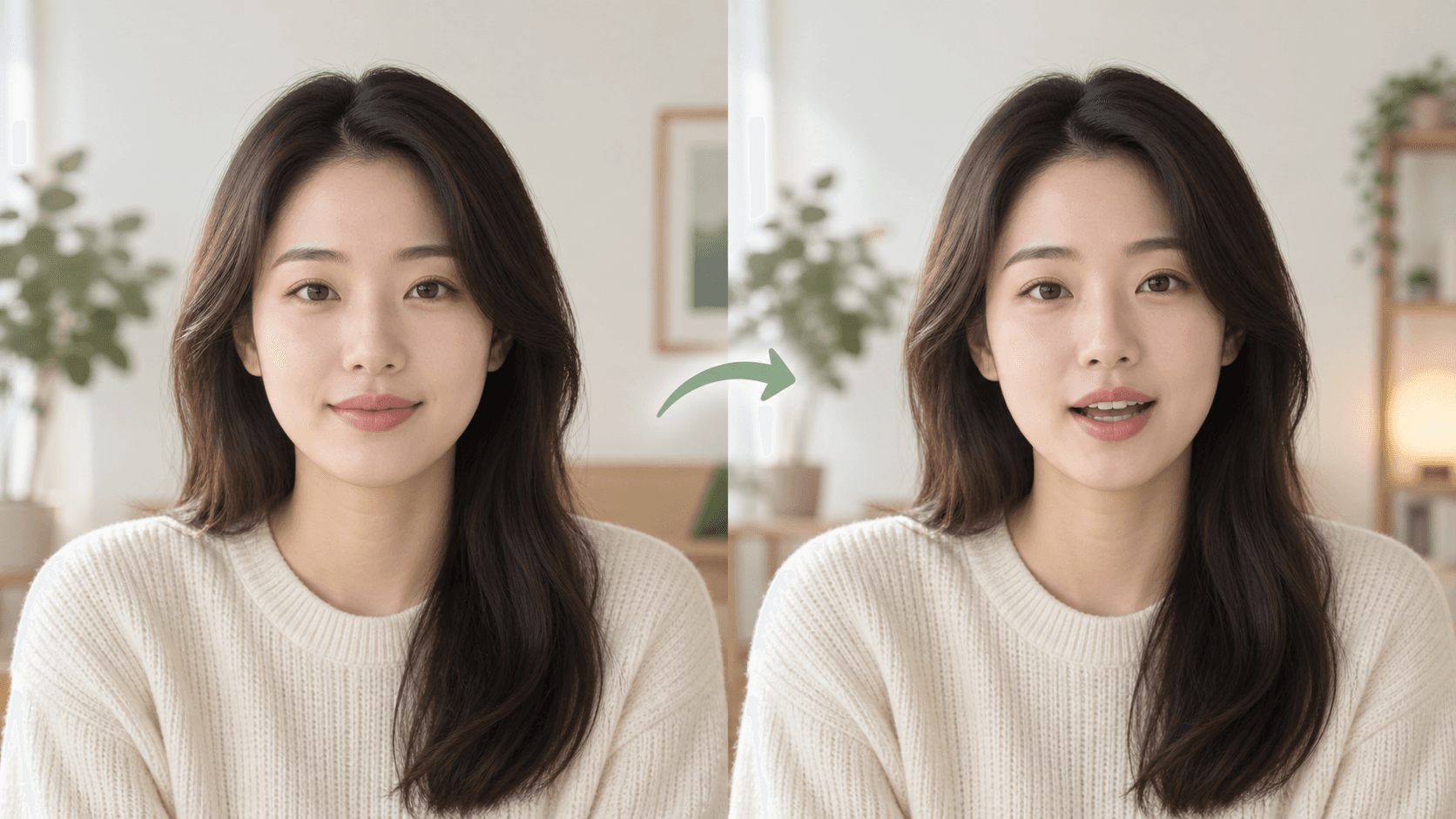
Choose this when you have copy but no recording. Vimorph creates the speech first, then uses it to drive the portrait.
Use a finished recording when its pace, pauses, and delivery should carry into the video.
One person, a clear face, and a front or slightly angled pose work best.
Enter a script and choose a voice, or upload an audio file.
The task runs in the background. Check the mouth movement and frame before saving the result.
Group photos, strong side profiles, low-resolution screenshots, and covered mouths are more likely to fail or produce awkward movement. A better source photo usually helps more than submitting the same one again.
Only use images and voices you have permission to process.
No. Enter a script and choose a voice, or upload your own audio when timing and delivery already matter.
Use one clearly visible person, facing forward or at a slight angle, with even light and no object covering the mouth.
The generated video follows the length of the synthesized or uploaded audio.
Only use a person's image and voice when you have permission to create and publish the result.