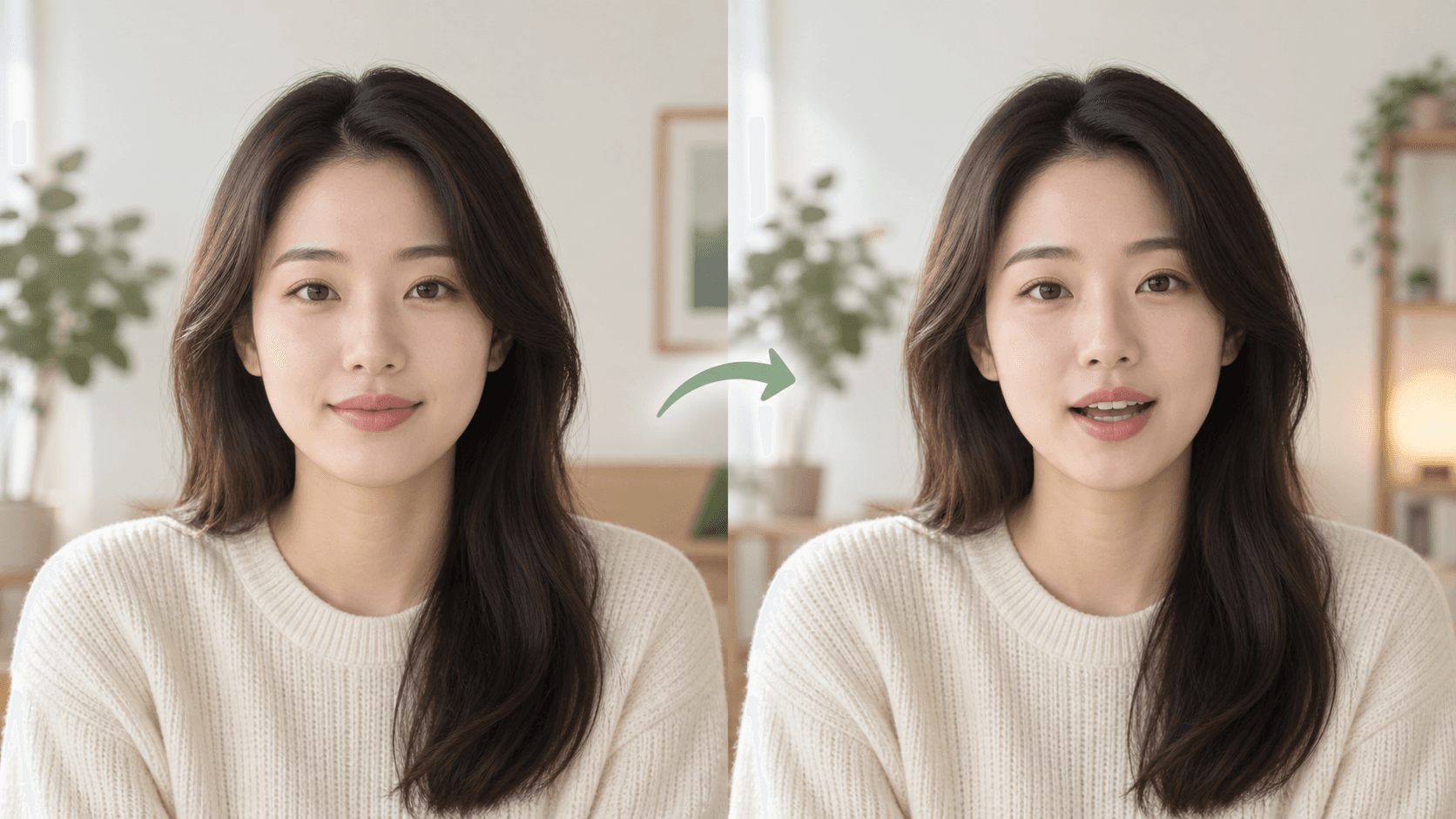
Most avoidable problems start with the source: a tiny face, a covered mouth, or a script that reads well but sounds stiff.
For a first test, use one clear portrait and ten to thirty seconds of speech. It is long enough to judge the result without committing to a full video.
Key takeaways
- Start with one clearly visible person.
- Keep the first test under 30 seconds.
- Use uploaded audio when exact delivery matters.
- Review the mouth, jaw, and first and last second.
1. Pick the photo first
A front-facing or slightly angled shoulders-up portrait is a safe starting point. Hair, hands, clothing, or a microphone should not cover the mouth.
2. Add text or audio
Text mode is useful when the wording may change. Audio mode is better when pace, pronunciation, and pauses have already been recorded.
3. Inspect the difficult moments
- Words that close the lips, such as B, M, and P.
- Long pauses and sentence endings.
- The jawline and hair near the cheeks.
- The opening and closing second.
Frequently asked questions
How long should the first test be?
Ten to thirty seconds is enough to judge the source photo and audio.
Does a larger file always work better?
No. A clearly visible face matters more than a large image with a distant subject.