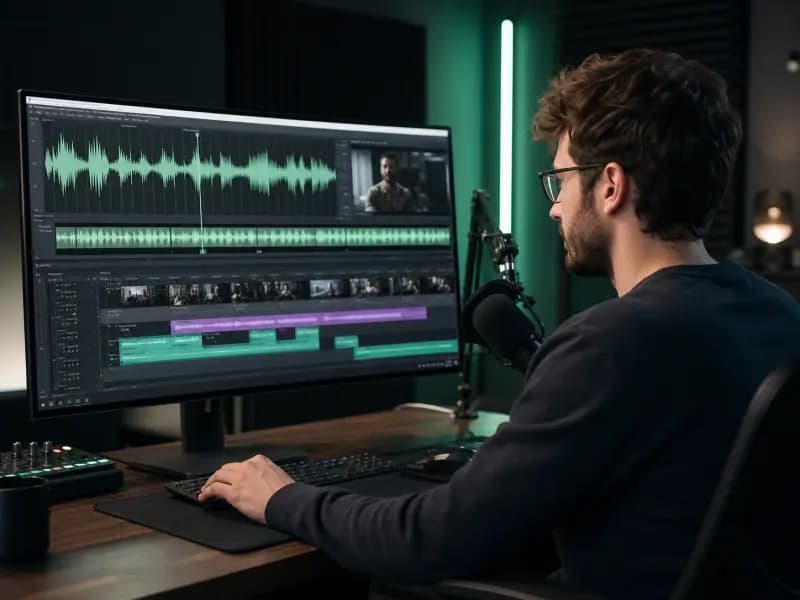
Creator voiceovers
Consistent narration for videos, series and creator formats.
AI voice cloning
Create a reusable AI voice from a permitted recording, then generate consistent voiceovers across videos, courses and campaigns.
Consent required· Private by default· Reusable across projects
Source recording
Voice profile
Speaker detected
Clarity high
Noise low
Consistency high
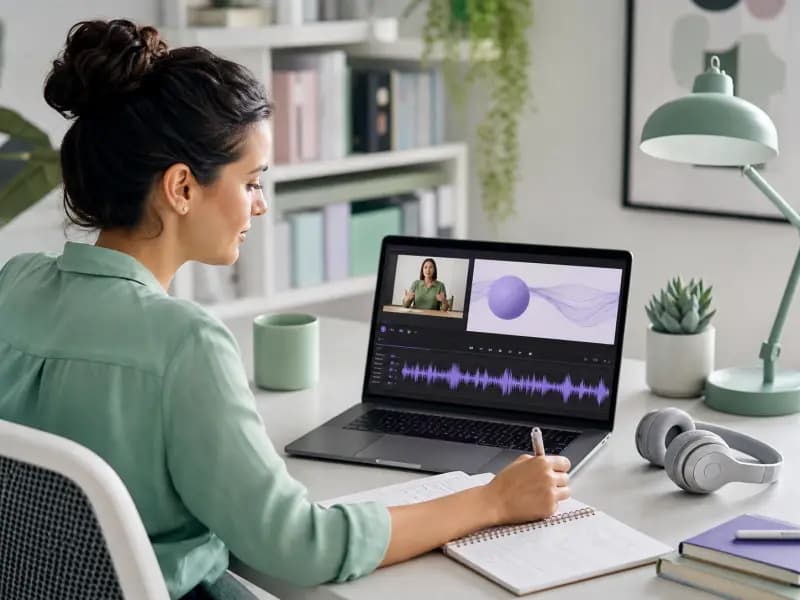
Record or select a clean clip of you speaking.
AI analyzes the clip and builds a reusable profile.
Use the same identity across scripts and formats.
Clear voice
Quiet environment
Steady delivery
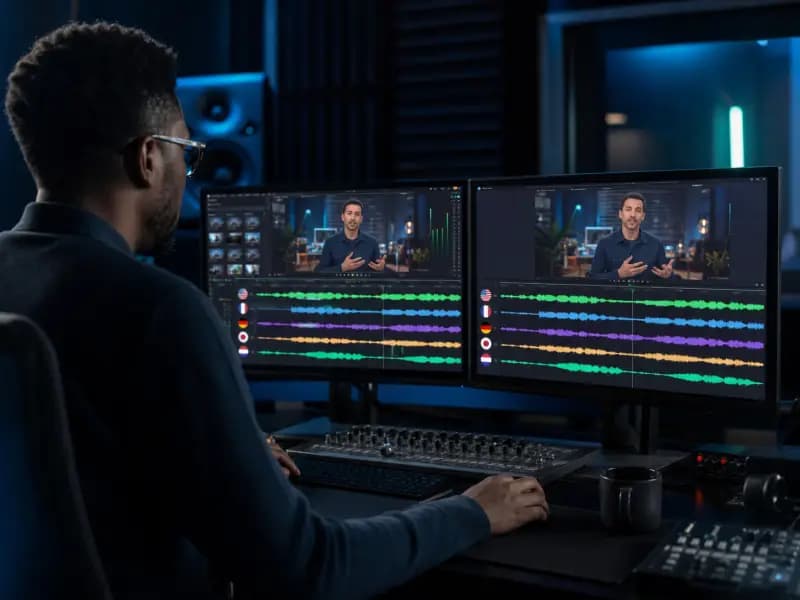
Background noise
Multiple speakers
Unstable volume
One permitted voice
Consistent narration for videos, series and creator formats.
Professional narration for lessons and training.
A permitted voice across multilingual workflows.
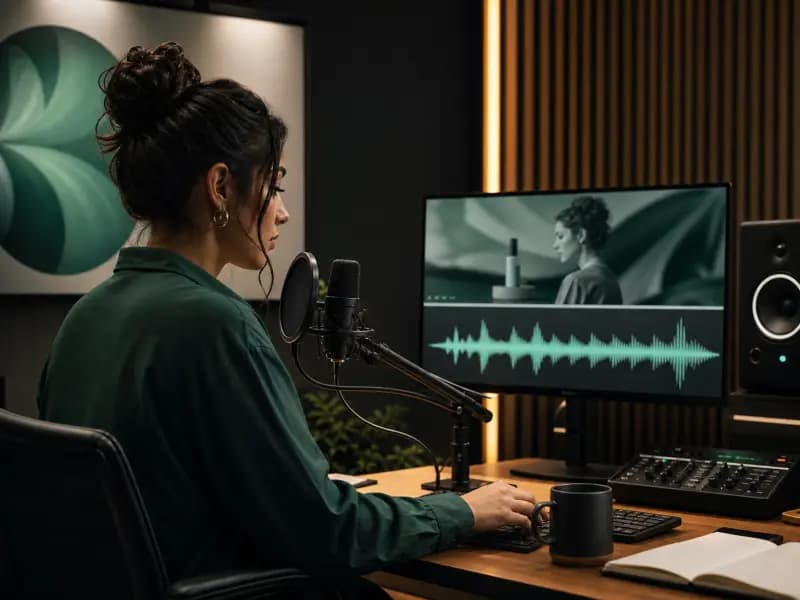
One recognizable identity for campaigns and stories.
Use your own voice or one you are clearly authorized to use.
Voice profiles remain private inside the account that created them.
Delete voice profiles and associated samples from your library.
Fraud, impersonation and unauthorized cloning are prohibited.
Learn more in our voice safety policy and privacy policy.
Starts with a permitted recording
Reuses specific voice characteristics
Best for personal and brand voices
Starts with selected attributes
Creates a new voice style
Best when no source recording exists
AI voice cloning creates a reusable AI voice from an audio sample, with proper rights and consent, so it can be used in voiceover workflows.
A clean voice sample with minimal background noise, clear speech, and consistent speaker audio usually works best.
Yes. Once a cloned voice is created and saved, you can use it to generate AI voiceovers from written scripts.
Voice cloning starts from a permitted audio sample. Voice design creates a new voice style from selected attributes such as tone, age, and personality.
Yes. Cloned voices can be saved, previewed, organized, and reused from your voice library.
Consent matters because voice cloning should only be used when you have the proper rights and permission to use the audio sample and generated voice profile.
Build a reusable voice profile for every creator workflow.