Viewers search YouTube in their own language
YouTube Channel Localization
One YouTube video.
A second audience that searches in another language.
Take an upload that already works on your channel, produce a translated subtitle file and an AI voice track for a target language, and review both on the timeline before you publish the localized version.
Subtitle file for YouTube captionsDubbed audio trackSame picture, same pacing
Spanish
English → SpanishLocalized version
Why channels localize
Your library is already written — it is just locked to one language
Re-recording every video does not scale
Keep recognition, translation, subtitles and dubbing in one task instead of booking a studio per language.
A dub that drifts breaks the edit
Check translated segments against the video timeline before you commit the audio track.
Tutorials
From your first translation to multilingual publishing
Follow a step-by-step guide or open the workbench and learn while doing.
Video translation · 5 min
How to Translate Your First Video with AI
Upload a video, choose languages, review subtitles and export your first translated video in Vimorph.
Open tutorialVideo localization · 6 min
How to Translate One Video into Multiple Languages
Create several localized versions from one source upload and review each language independently.
Open tutorialThree steps per upload
From an existing upload to a publishable language version
1
Start from the video you already published
Upload the source MP4, MOV or WebM file that backs the YouTube upload you want to localize.
2
Pick the target language and voice
Choose the target language, whether to generate subtitles, and which AI voice should carry the translated narration.
3
Review, then take the files to YouTube
Check segments and timing on the timeline, export the composed video and the SRT captions, then attach them to your channel.
Channel workflow
Check the localized narration against your own edit
The workspace keeps the source video, the translated lines, the voice settings and the timing controls together, so you can hear the dub in context before publishing.
Timeline preview
Selected line00:24 – 00:31
If you're new here, subscribe and turn on notifications.
Si eres nuevo por aquí, suscríbete y activa las notificaciones.
Channel formats
Built around the kinds of videos channels actually publish
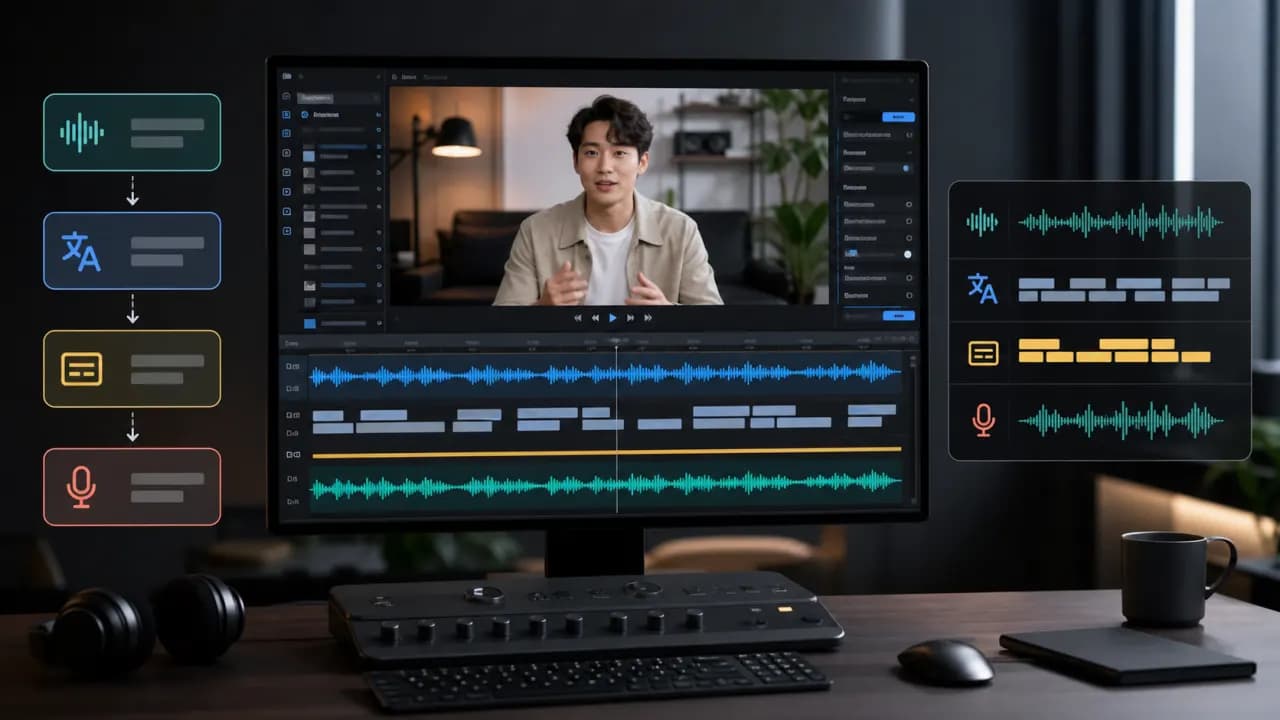 1
1Long-form channel videos
Localize the evergreen videos that already earn watch time on your channel.
- Source upload
- An existing long-form upload
- What matters on YouTube
- Full-length dubbing, caption accuracy, keeping the original pacing
- What you publish
- A localized version of the same video
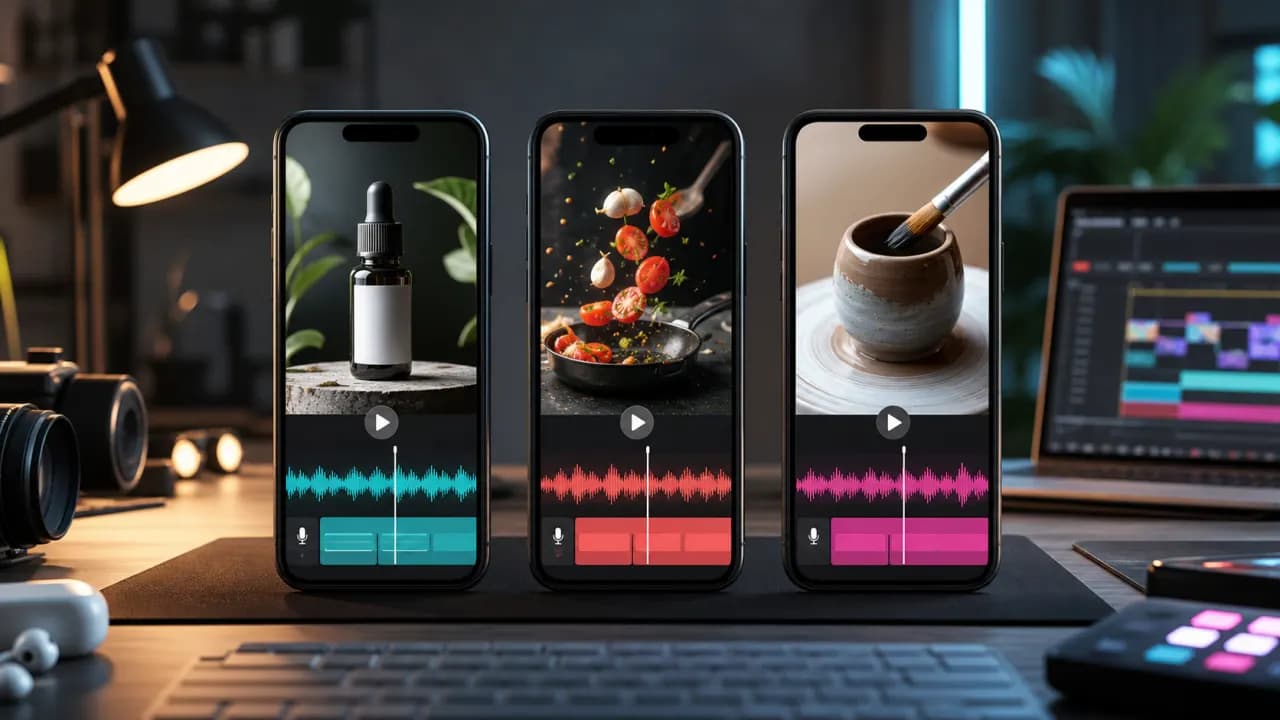 2
2YouTube Shorts
Turn vertical clips into language versions without re-editing them.
- Source upload
- An existing Short
- What matters on YouTube
- Short translated captions and tight timing
- What you publish
- A localized Short
 3
3Tutorial and knowledge channels
Carry lessons and walkthroughs to learners who watch in another language.
- Source upload
- A tutorial or explainer upload
- What matters on YouTube
- Consistent terminology and clear narration
- What you publish
- A localized lesson video
 4
4Brand and product channels
Publish product videos and launch content for additional markets.
- Source upload
- A demo, launch or ad video
- What matters on YouTube
- Message timing and on-brand delivery
- What you publish
- A market-ready channel video
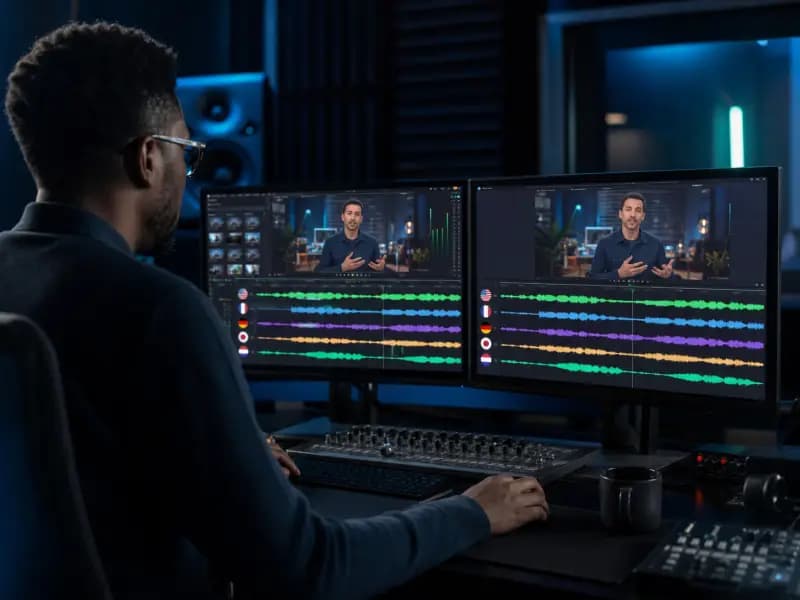 5
5Story and drama channels
Handle dialogue-led episodes where speaker turns carry the story.
- Source upload
- An episode built on dialogue
- What matters on YouTube
- Speaker segments and translated dialogue
- What you publish
- A localized episode
 6
6Corporate and internal channels
Localize training catalogues for teams spread across regions.
- Source upload
- A training or internal knowledge video
- What matters on YouTube
- Terminology review before publishing
- What you publish
- A localized training video
What you take back to YouTube
The two files a localized upload needs
Completed tasks produce the composed video and the timed subtitle file used on the channel.
Localized video
A composed video carrying the translated dubbing and subtitle settings you selected.
Caption file
Timed translated subtitles that line up with the exported video.
Editable translation task
Reopen the task to fix a line, retime a segment or switch the voice before exporting again.
How the pipeline works
From spoken English to a publishable Spanish track
Recognize the spoken audio
Transcribe the upload, with speaker detection when the video has more than one voice.
Translate and time the lines
Produce editable translated segments and timed captions for the target language.
Generate the dubbed track
Synthesize the translated lines with the voice you selected for the channel.
Align against the video
Review segment timing on the timeline and adjust lines that land awkwardly.
Export video and captions
Compose the localized video and emit the SRT file for the channel upload.
YouTube questions
Localizing a channel, answered
That is the simplest route: export the localized video and publish it as its own upload, or keep one upload and add a translated caption track. Which one you choose depends on the channel setup you want to run.
Yes. The task can produce the SRT subtitle file on its own, so you can attach translated captions without replacing the original audio.
YouTube accepts subtitle files through its own caption upload flow. Check YouTube's current format and length requirements for the language you are adding before publishing.
Audience behaviour varies by channel and topic. The workspace lets you review the localized version first, so you can judge pacing and voice fit before it goes live.
Yes. The same task works for vertical Shorts, where tighter translated captions and shorter lines usually matter more than a full narration pass.
The task supports speaker-count detection and editable speaker segments, so conversations can be reviewed line by line before export.
The task exposes an original-audio setting. The final balance depends on the configuration you pick, so confirm it in the preview stage.
Yes. Translated segments, voice controls and timing fields stay editable in the workspace, and you can export again after the correction.
Localizing your own upload does not by itself change that, but rights and policy questions depend on the source material you used and YouTube's current rules. Review them for your own channel.
The workspace currently states that task files are retained for 30 days. Download the outputs you need in time and check the current privacy terms for processing details.
Give your channel a second language this week
Pick an upload that already performs, generate the translated captions and dubbed track, and review the result on the timeline before publishing.