Language limits distribution
AI Video Translation
Translate one video.
Reach every audience.
Translate existing videos with natural AI dubbing, multilingual subtitles and timeline-aware synchronization—ready for audiences across different markets.
Subtitles and AI dubbingPreview before exportKeep the original picture and pacing
Japanese
English → JapaneseTranslated
Why translate video
Turn localization friction into a repeatable workflow
Manual translation and recording take time
Keep recognition, translation, subtitles and dubbing in one workflow.
Voice, subtitles and picture drift apart
Review timeline-aligned segments before exporting the final version.
Tutorials
From your first translation to multilingual publishing
Follow a step-by-step guide or open the workbench and learn while doing.
Video translation · 5 min
How to Translate Your First Video with AI
Upload a video, choose languages, review subtitles and export your first translated video in Vimorph.
Open tutorialVideo localization · 6 min
How to Translate One Video into Multiple Languages
Create several localized versions from one source upload and review each language independently.
Open tutorialThree clear steps
From upload to localized video
1
Upload your video
Upload a local MP4, MOV or WebM file to start a translation task.
2
Choose language and dubbing
Select the target language, subtitle option, AI voice and original-audio setting.
3
Preview and export
Review translated segments and timing, then export the final video and subtitle file.
Product workflow
Review the translation on the video timeline
The workspace keeps the video, translated text, voice settings and timing adjustments together before final export.
Workspace preview
Selected segment00:12 – 00:18
Consistency is more important than intensity.
一貫性は、強さよりも重要です。
Use cases
Bring every type of video to new language markets
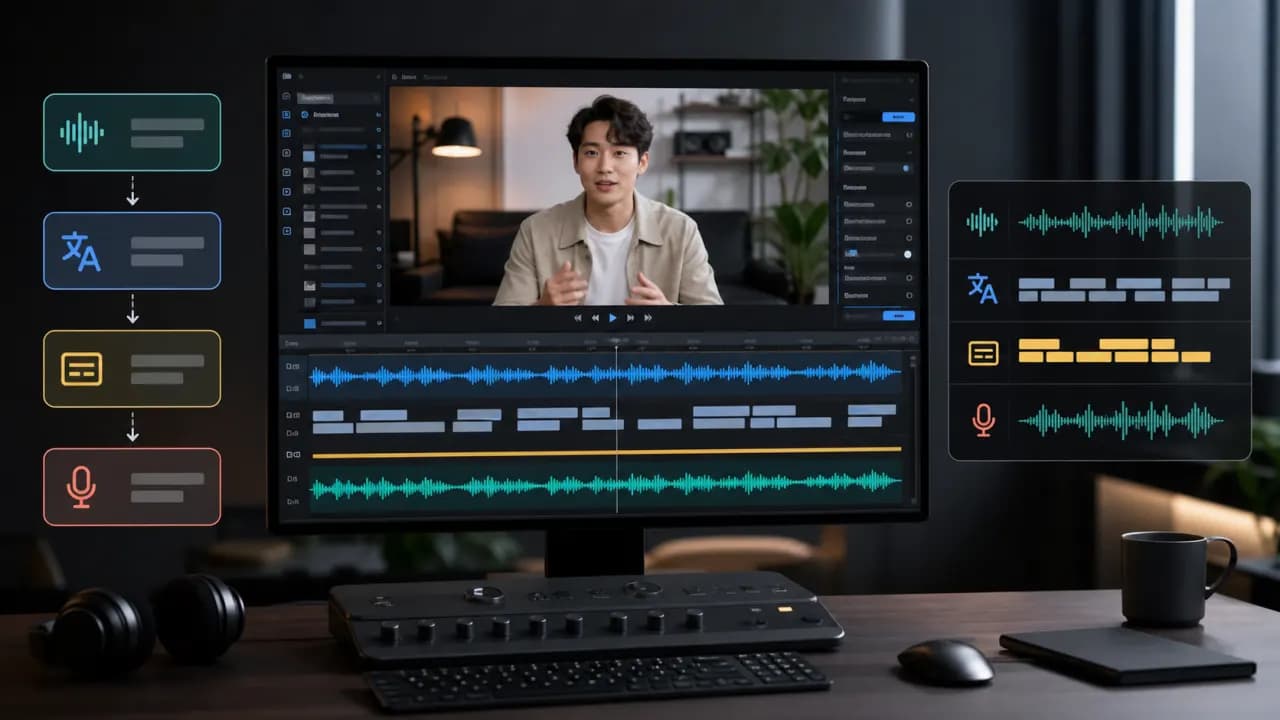 1
1YouTube video localization
Adapt long-form creator videos for viewers in different regions.
- Input
- Existing YouTube video file
- Focus
- Subtitle translation, natural dubbing, pacing
- Output
- Full localized video version
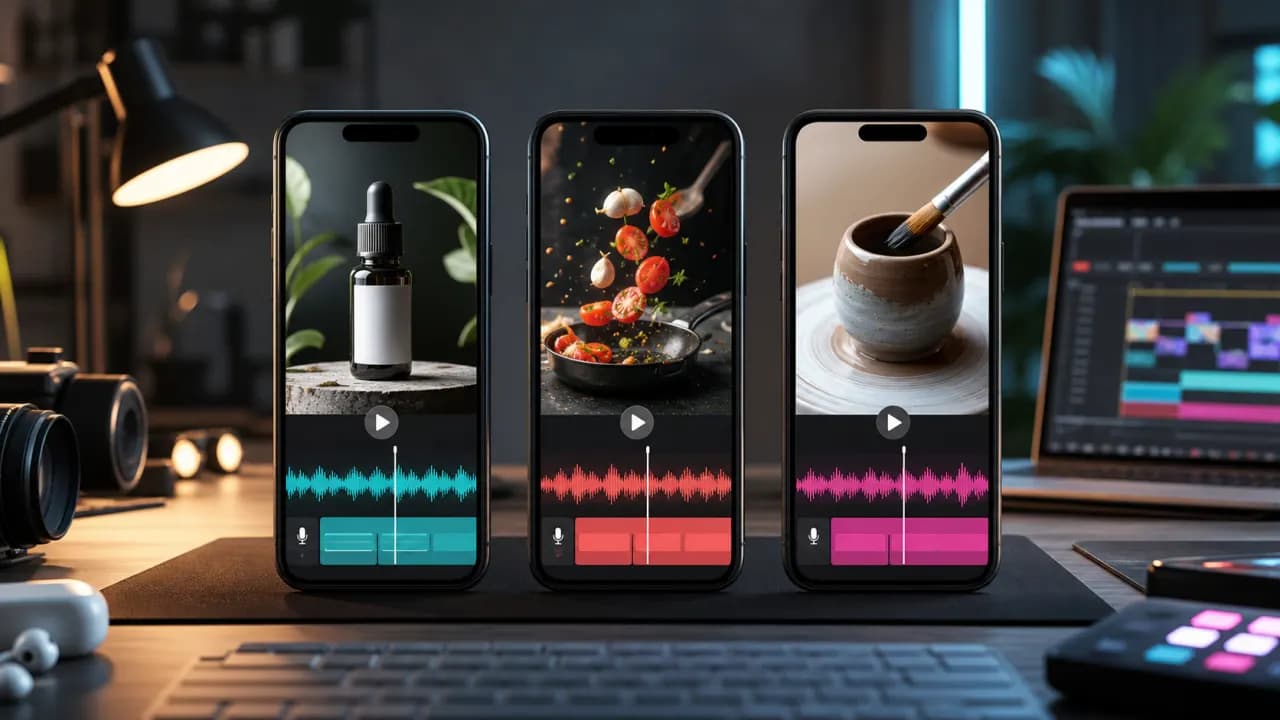 2
2Shorts and social video
Prepare compact videos for TikTok, YouTube Shorts and Reels.
- Input
- Existing short-form video
- Focus
- Fast captions, concise dubbing, timing
- Output
- Localized social video
 3
3Courses and tutorials
Translate lessons, software tutorials and knowledge content.
- Input
- Course or tutorial video
- Focus
- Clear terminology, subtitles, steady narration
- Output
- Multilingual learning video
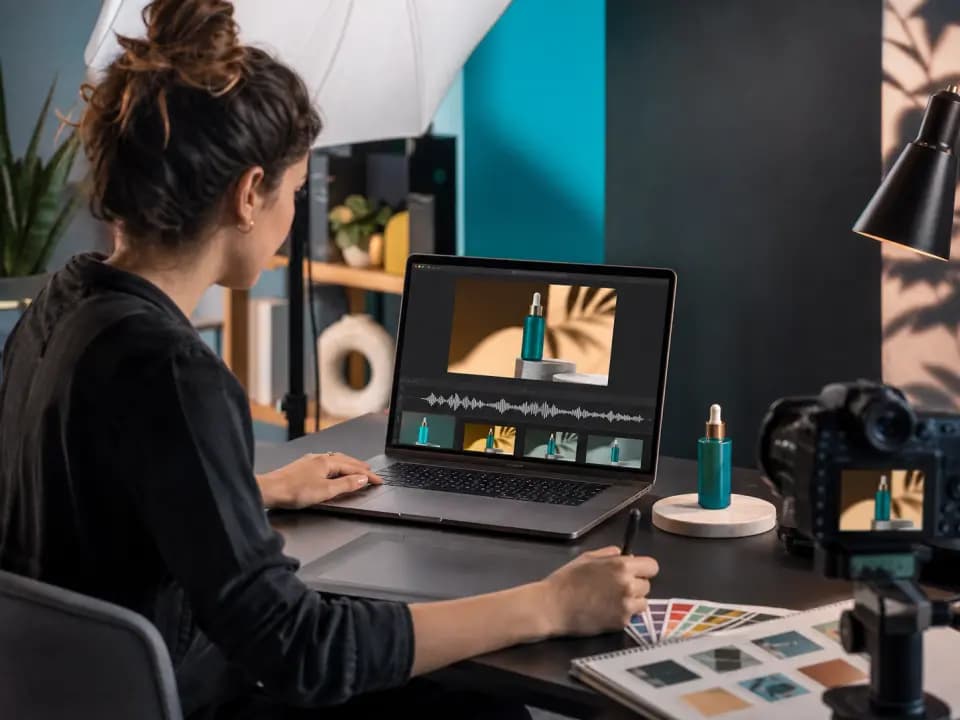 4
4Product marketing and ads
Localize product demos, brand stories and campaign material.
- Input
- Demo, launch or ad video
- Focus
- Brand clarity, message timing, subtitles
- Output
- Market-ready campaign version
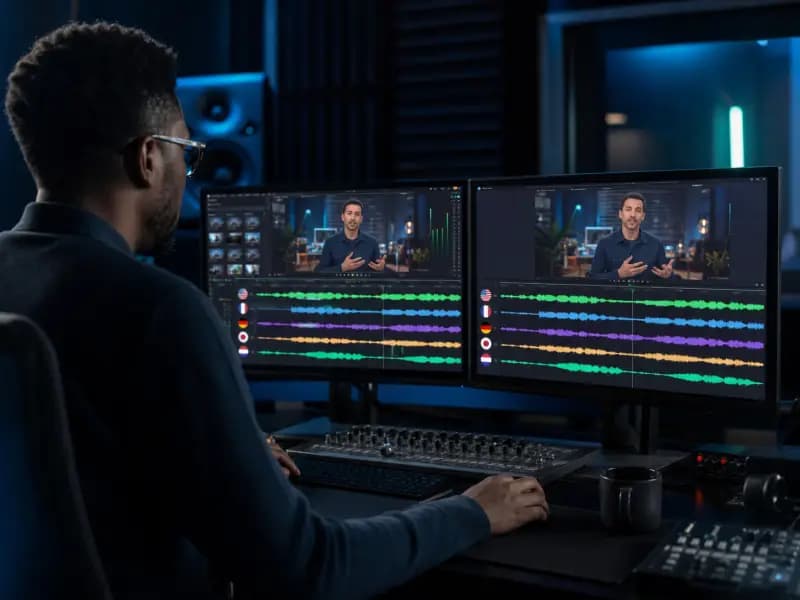 5
5Drama and narrative content
Handle dialogue-led stories for audiences in other languages.
- Input
- Dialogue-based video
- Focus
- Speaker segments, translated dialogue, timing
- Output
- Localized story version
 6
6Enterprise training and knowledge
Convert training and product knowledge videos for distributed teams.
- Input
- Training or internal knowledge video
- Focus
- Terminology, speaker clarity, review
- Output
- Localized training video
Publish-ready results
Everything you need to publish in another language
Confirmed outputs from the current video translation workflow.
Translated video
A composed video with the selected dubbing and subtitle settings.
Translated subtitles
Timed translated subtitles produced with the final video.
Editable translation task
Review segments, timing and voice settings in the workspace before export.
How Vimorph completes the work
One connected translation pipeline
Speech recognition
Recognize spoken content and use configured speaker detection.
Translation and subtitles
Translate editable text segments and generate timed subtitles.
AI dubbing
Synthesize translated segments with the selected voice settings.
Timeline alignment
Review and adjust segment timing in supported tasks.
Composition and export
Compose the selected video and SRT subtitle outputs.
FAQ
Video translation questions
The current workspace accepts MP4, MOV and WebM files up to 1GB and 60 minutes.
Available source and target language choices depend on the recognition, translation and voice configuration shown in the workspace. Check the current selectors before starting a task.
Yes. The current dubbing workflow can include translated subtitles and an AI-generated voice track in the composed video.
The task supports configured speaker-count detection and editable speaker segments. Results should be reviewed before final export.
The task includes an original-audio setting. The final balance depends on the selected task configuration and should be checked in preview.
Yes. The workspace provides editable translated segments, voice controls and timing fields before final composition.
The current backend produces a composed MP4 video and an SRT subtitle file for completed supported tasks.
Processing time varies with video length, recognition, translation, synthesis and composition. The product does not promise a fixed completion time.
The outputs can support those workflows, but publication rights depend on your source material, permissions and the current Vimorph terms.
The workspace currently states that task files are retained for 30 days. Download and back up required outputs in time, and review the current privacy terms for processing details.
Turn one video into versions for audiences worldwide
Upload your video, choose a language and create localized versions with translated subtitles and natural AI dubbing.