TXT
Plain text
Useful for notes, archives, search, and rewriting.
Audio to text · Video transcription
Upload a meeting, interview, lecture, podcast, or video. Review the timed transcript, then translate it while keeping timestamps and speaker labels, or export it as text or subtitles.
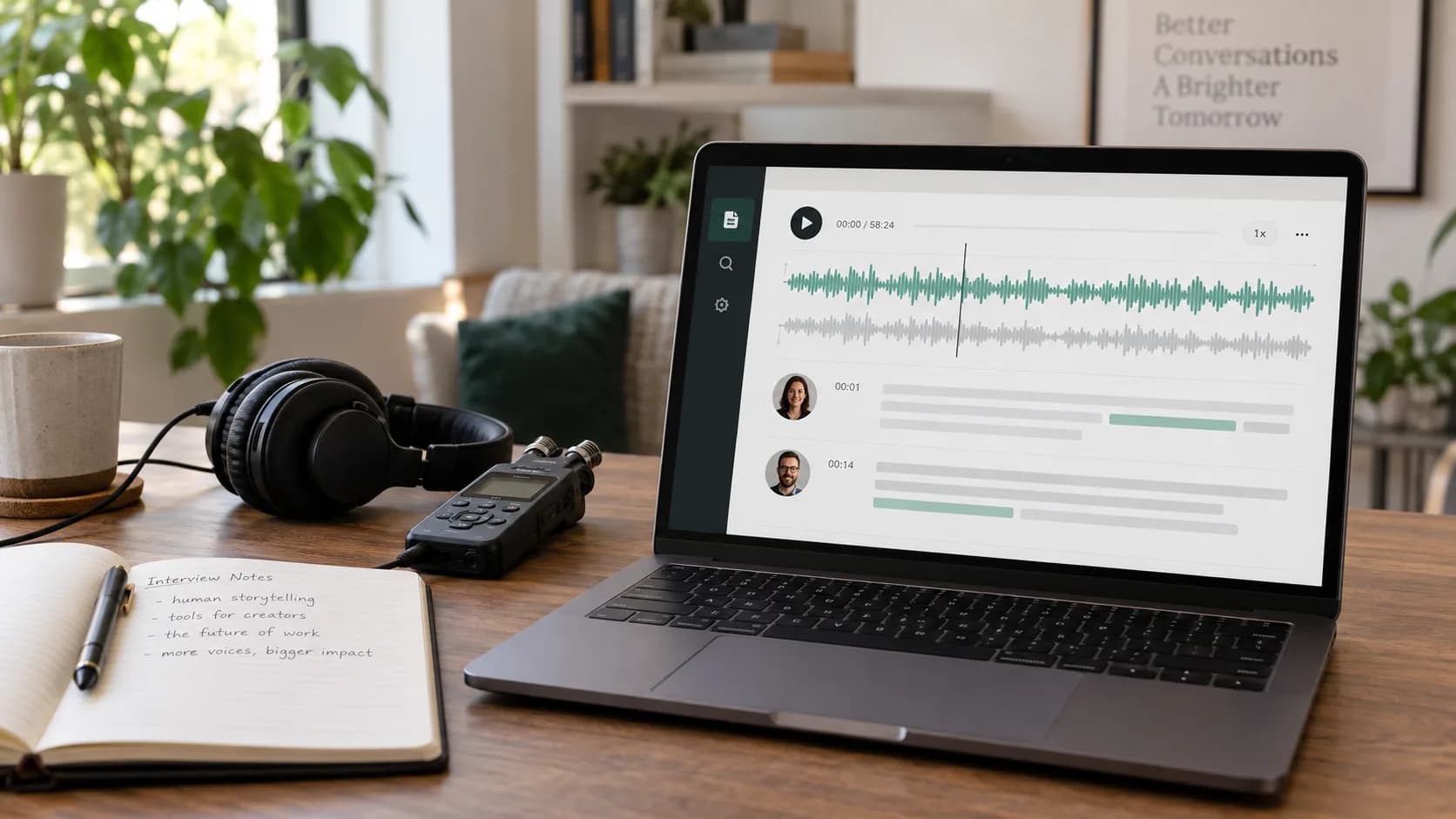
customer-interview.wav
English · 12 minutes · 2 speakers
TXT
Useful for notes, archives, search, and rewriting.
TIMELINE
Jump back to the exact moment without scrubbing through the whole recording.
SRT · VTT
Translate after review, then export a translated or bilingual SRT, or keep the original VTT.
Choose the source language and turn on speaker recognition for conversations.
Check names and terms in each timed segment. Long jobs remain available in transcription history.
Choose a target language when needed, then download the original text, translation, or bilingual subtitles.
Keep the full conversation before turning it into decisions, notes, and action items.
Create a searchable record that can later become an article or summary.
Start with timed captions instead of typing every line by hand.
Clear speech, limited overlap, and the right source-language setting usually produce a stronger transcript. Dialects, background music, distant microphones, and uncommon names may still need a human pass. Before publishing, listen back to names, numbers, brands, and important claims.
Read the accuracy guideYes. Vimorph reads the video's audio track and can return timed text or a subtitle file.
You can enable speaker recognition. Overlapping speech and large differences in microphone distance may still need correction.
Yes. Review the source transcript first, then choose a target language. Timestamps and speaker labels stay attached to the translated segments.
No. The source transcript and translation are stored separately, so you can switch between them.
Yes. Export translated TXT or SRT alone, or an SRT containing both the source text and translation.
No. Processing continues in the background, and the job can be reopened from transcription history.
Upload the original file first. After review, export the source transcript, a translation, or bilingual subtitles.