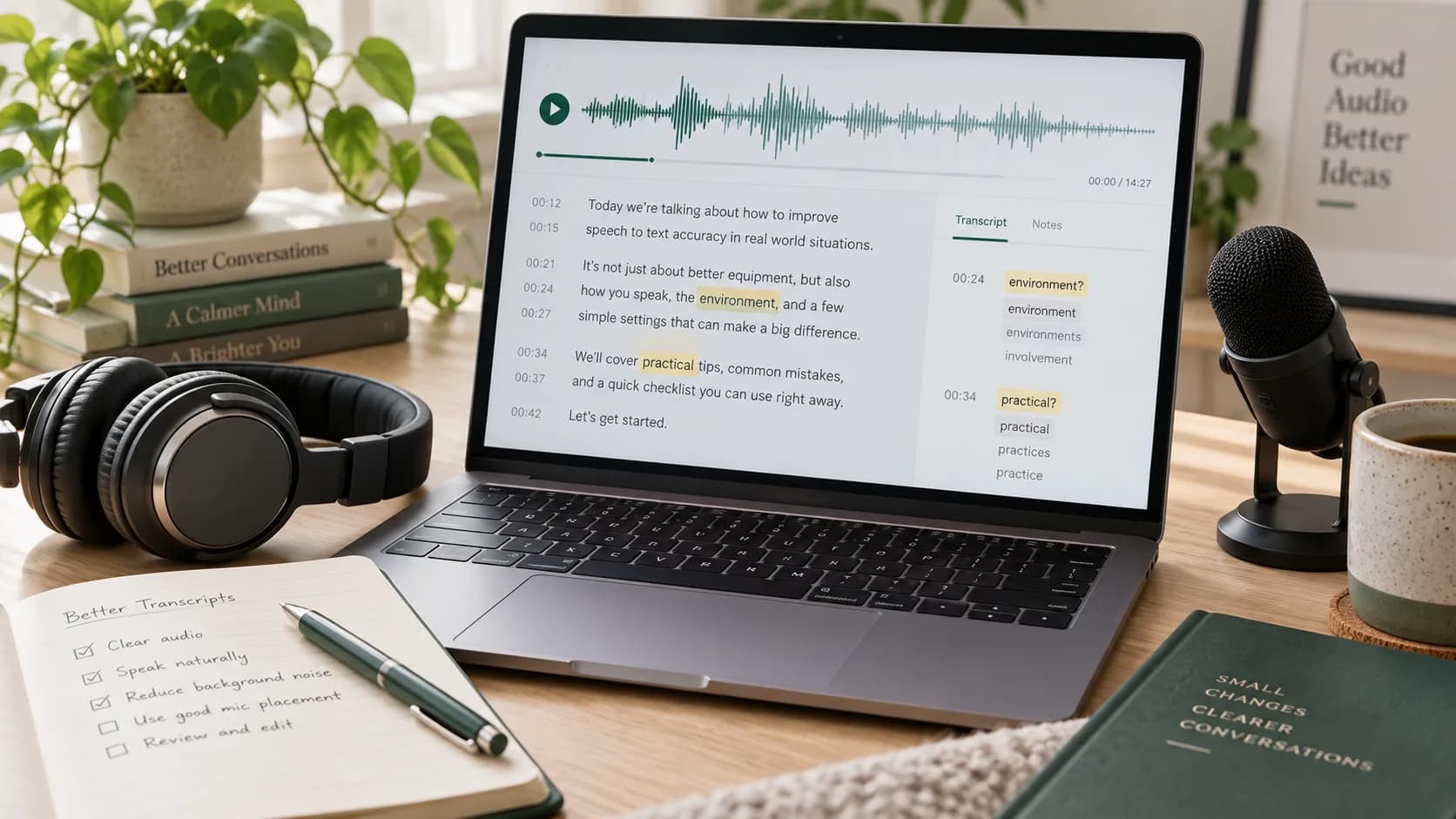
The largest gains in transcription quality often happen before upload. Moving a microphone closer, reducing echo, and preventing people from talking over one another can matter more than changing an export setting.
No recording is perfect, so a good workflow also makes the remaining mistakes quick to find and correct.
Key takeaways
- Get the microphone closer to the speaker.
- Reduce echo, music, and overlapping speech.
- Select the correct main language.
- Review names, numbers, and low-confidence segments first.
1. Improve the recording at the source
Distance is the common problem. A modest microphone placed close to the speaker usually beats an expensive microphone across the room. Soft furnishings also reduce the hard reflections produced by empty rooms and glass walls.
- Keep phones and laptops off vibrating tables.
- Point directional microphones toward the speaker.
- Ask participants not to speak over one another.
- Record a short test and listen with headphones.
2. Use cleanup carefully
A light noise reduction pass can help with steady fan or air-conditioner sound. Aggressive cleanup may remove consonants and make speech sound watery, which creates new recognition errors.
Do not convert a compressed recording repeatedly. Keep the original and export one clean working copy when cleanup is necessary.
If noise reduction makes a person harder to understand with your own ears, it is unlikely to help transcription.
3. Remove avoidable uncertainty
- 1
Choose the main language
Language detection is useful, but a known language is better supplied directly.
- 2
Use speaker recognition only when needed
It helps structure dialogue but is unnecessary for a single narrator.
- 3
Keep domain terms nearby
Make a short list of names, abbreviations, and product terms to use during review.
4. Use a risk-based review
Not every sentence carries the same cost if it is wrong. Start with personal names, figures, dates, medical or legal terms, quotations, and decisions. Then inspect sections where speakers overlap or the waveform becomes quiet.
Read the corrected text once without audio. Awkward grammar can reveal a recognition mistake that sounded plausible in isolation.
- Names and job titles
- Money, measurements, and percentages
- Dates and deadlines
- Brand names and technical vocabulary
- Statements that will be quoted publicly
Frequently asked questions
Does a better microphone always improve transcription?
Placement matters as much as price. A microphone close to the speaker in a quiet room usually helps more than a costly microphone far away.
Should background noise be removed before upload?
Light cleanup can help steady noise, but aggressive processing may damage speech. Keep the original and compare before committing.
Why are names often transcribed incorrectly?
Names may be rare, have several spellings, or provide little linguistic context. Always check them against a trusted source.