01
Describe or select attributes
Shape tone, age, accent, energy and texture.
AI Voice Design
Shape tone, age, energy, accent and delivery. Generate an original AI voice from your creative direction — no recording or source voice required.
Voice blueprint
Create a new identity, no source speaker, flexible attributes.
Reproduce an existing permitted voice from a clean recording while preserving speaker identity.
01
Shape tone, age, accent, energy and texture.
Instantly create multiple original directions.
Fine-tune, name and save to your voice library.
02
Turn a creative brief into a precise voice blueprint, then hear exactly how each decision changes the outcome.
Creative brief
A warm, engaging voice for storytelling. Adult, expressive, clear, general American accent.
03
Source attributes
Generate distinct, original interpretations from the same creative direction.
04
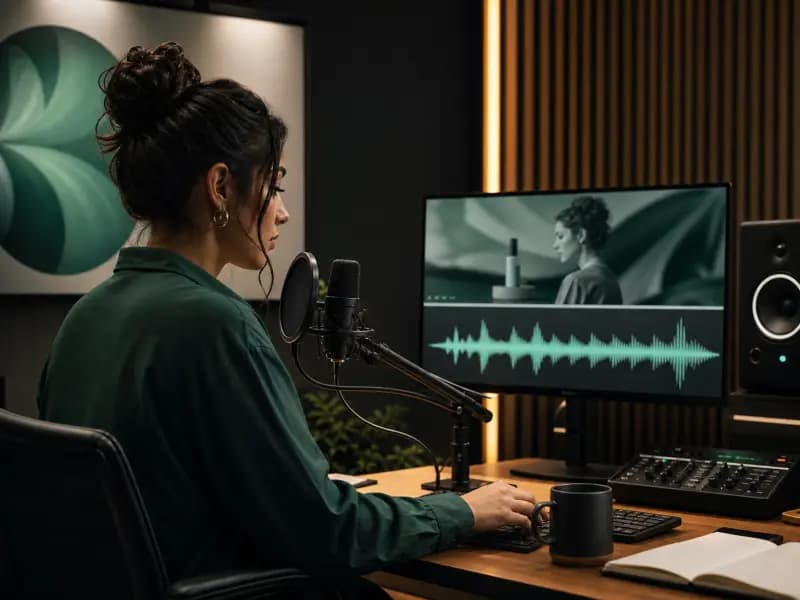
Build a distinctive voice for ads, announcements and campaigns that is uniquely yours.
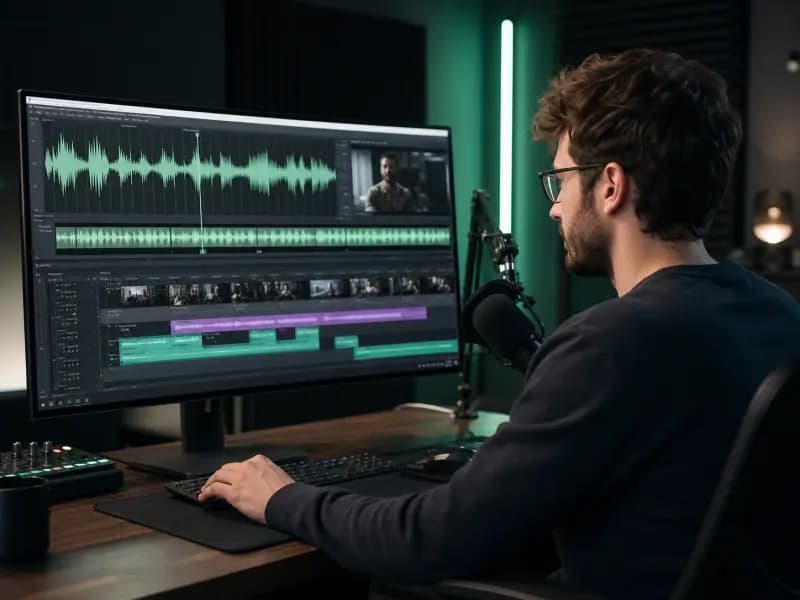
Create immersive narration for audiobooks, podcasts and documentary stories.
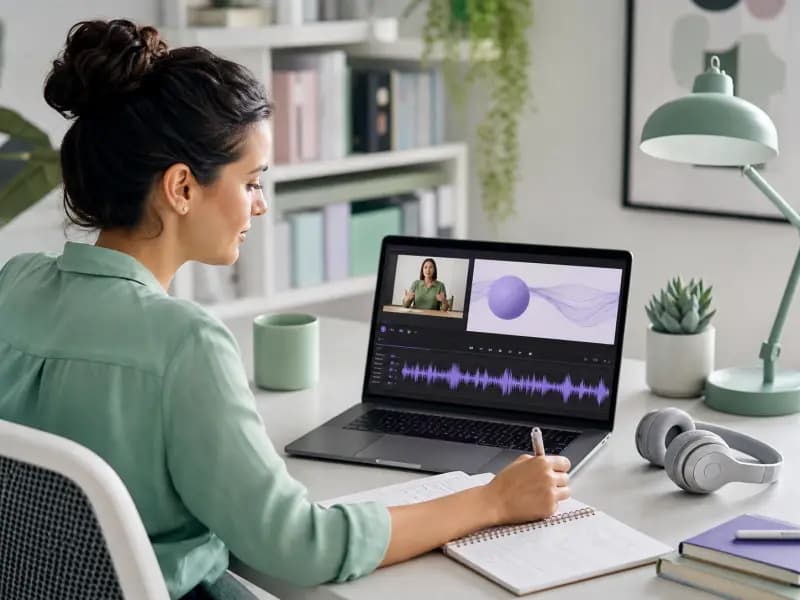
Design clear, engaging voices that support understanding and learner retention.
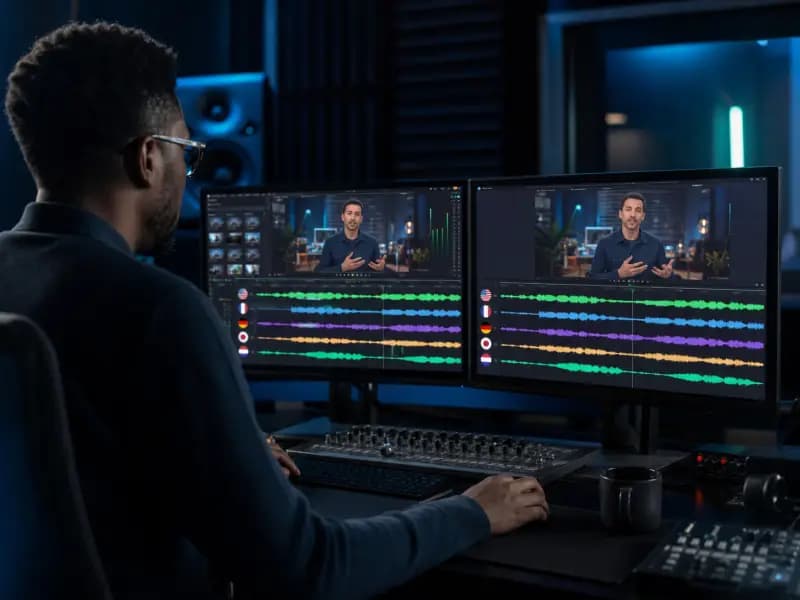
Bring characters to life with custom voices that fit every personality and world.
05
Change the design, generate a new version and compare it with earlier directions — no studio session needed.
Version history
Adjustments in v4
06
Every voice is generated from attributes — no human recording needed.
Your voices and projects stay private and protected.
Save, organize and reuse voice styles across all your projects.
Built-in safeguards support ethical and transparent voice creation.
07
| Aspect | Voice Design | Voice Clone |
|---|---|---|
| Starting point | An idea and creative direction | A recording of an existing voice |
| Goal | Create a new, original voice identity | Replicate an existing permitted voice |
| Input required | No recording needed | Clean voice recording required |
| Identity | New identity, not tied to a person | Preserves the original speaker identity |
| Best for | Brands, stories, characters and narration | Maintaining a specific permitted voice |
08
AI voice design lets you create custom AI voice styles by selecting attributes such as tone, age, personality, and use case.
Voice design creates a new voice style from selected attributes. Voice cloning creates a reusable voice from an audio sample with proper rights and consent.
Yes. Designed voices can be saved to your voice library and reused in text-to-speech and creator workflows.
Yes. Once a designed voice is saved, you can use it to generate AI voiceovers from written scripts.
You can design voices by adjusting attributes such as tone, style, age, personality, and intended use case.
Start with an idea.
Leave with a voice.
No recording. Just your creative direction brought to life.