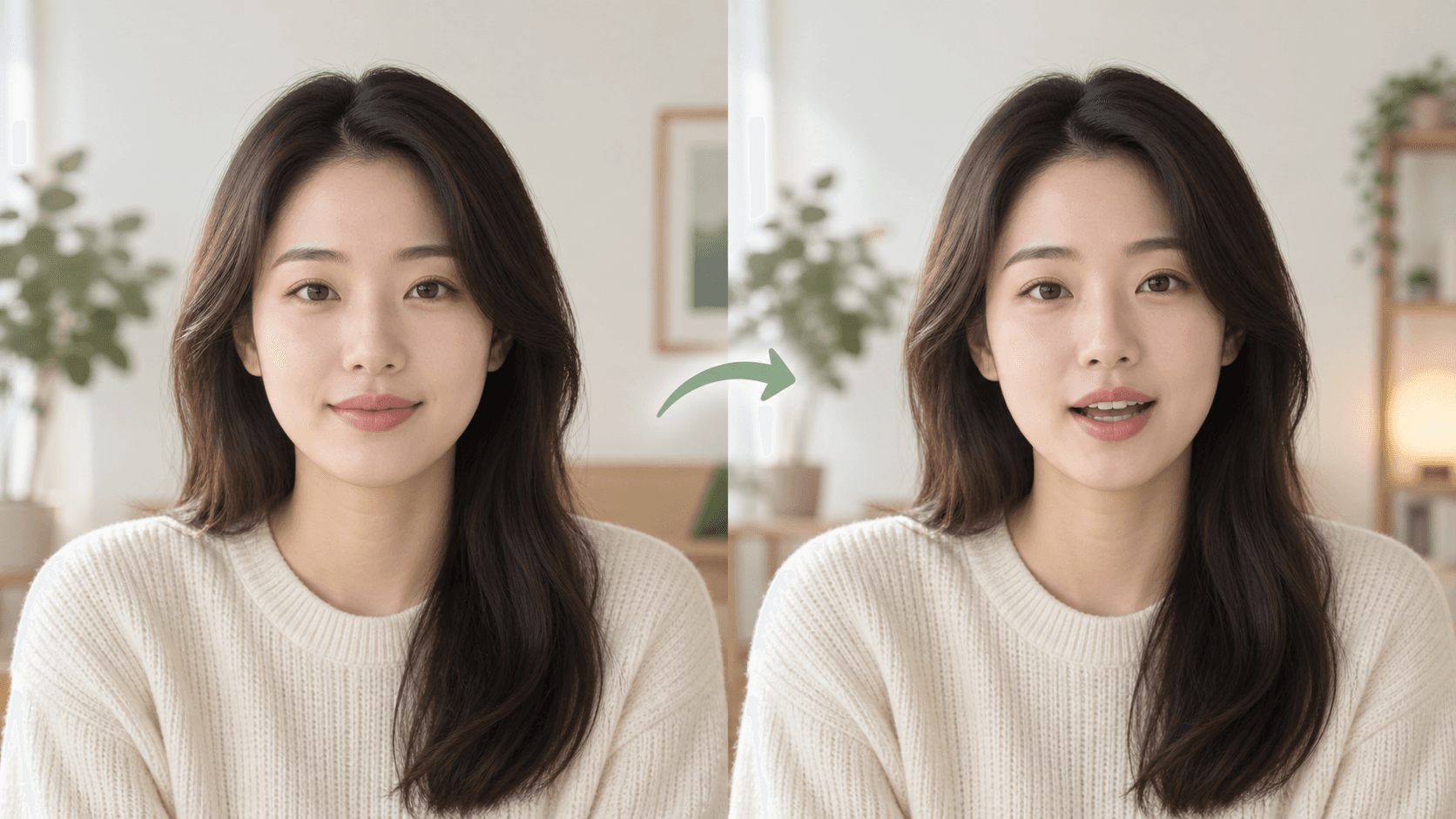
Both modes ultimately drive the portrait with audio. The difference is whether Vimorph creates that audio from a script or you upload a finished recording.
Key takeaways
- Use text for quick drafts.
- Use audio for exact delivery.
- Trim long silence.
- Test a short section first.
Use text while the wording may change
You can revise a line without recording it again and compare several voices quickly.
Use audio when performance matters
A recording carries its own rhythm, pronunciation, pauses, and emotion.
Prepare uploaded audio
- Trim long silence at both ends.
- Keep speech above background noise.
- Avoid clipping and distortion.
- Use one speaker per clip.
Frequently asked questions
Does text mode also use audio?
Yes. Vimorph first creates speech, then sends that audio with the portrait for video generation.