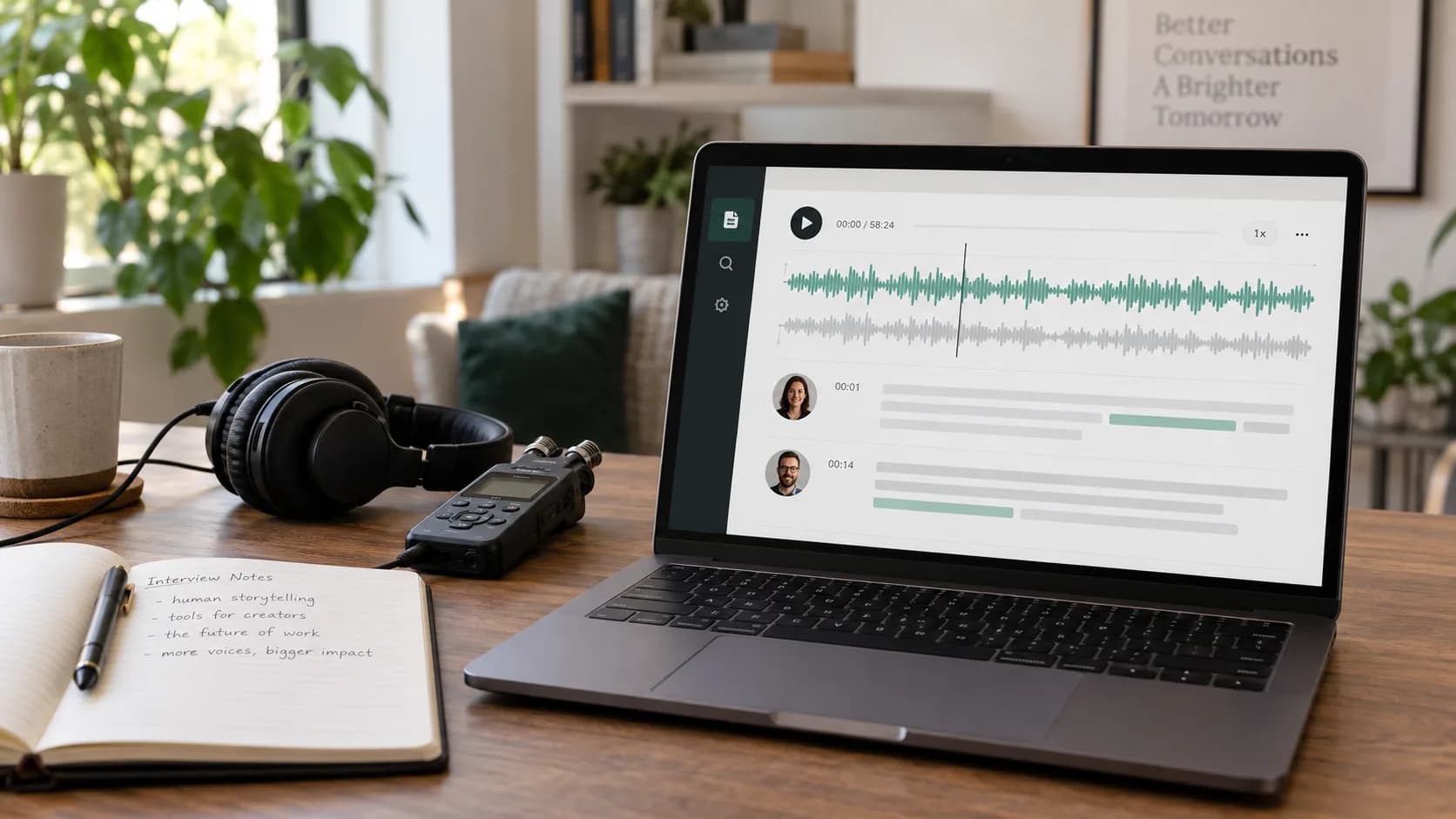
Audio transcription saves the first round of typing, but the useful result is not the raw output. It is a checked document where names are correct, speakers make sense, and important lines can be traced back to the recording.
The workflow below works for interviews, voice notes, lectures, and podcasts. It also explains where to spend review time instead of rereading every sentence at the same speed.
Key takeaways
- Upload the clearest original recording you have.
- Set the main spoken language instead of guessing when possible.
- Use timestamps to check names, numbers, and unclear passages.
- Export only after a focused human review.
1. Prepare the recording
Use the original audio rather than a copy forwarded through a messaging app. Recompression can blur consonants and make quiet speakers harder to understand.
If a recording begins with several minutes of silence or unrelated conversation, trim it first. A clean starting point makes the transcript easier to navigate, even when it does not change recognition quality.
- Keep one recording per meeting or interview.
- Confirm that speech is audible in both headphone channels.
- Write down unusual names or product terms before review.
2. Choose settings that match the audio
- 1
Select the main language
Automatic detection is convenient, but a known source language removes one unnecessary guess.
- 2
Turn on speaker recognition for dialogue
Use it for interviews and meetings. A solo voice note does not need speaker labels.
- 3
Choose the output you need
Plain text is easiest to reuse; timestamps help with verification; subtitle output preserves timing.
3. Review the transcript in the right order
Start with low-confidence or awkward-looking segments, then search for names, numbers, currencies, dates, and specialist vocabulary. Listen to a few seconds before and after each questionable line; context often resolves a word faster than replaying the word alone.
Speaker labels deserve a separate pass. A system may detect that the voice changed without knowing the person's real name, so replace generic labels only after you are sure who is speaking.
Do not silently improve a quotation while proofreading. Correct recognition errors, but preserve what the speaker actually said when accuracy matters.
4. Translate only after checking the source
A mistranscribed name or number becomes harder to spot once it has been translated. Finish the focused source-language review first, then choose the target language and check the translated passages that carry the most risk.
Translation keeps the transcript timing and speaker turns, so you can compare each segment with the source instead of handling a separate document. The original is not overwritten.
For material that will be published, have a fluent reader check names, idioms, technical terms, and claims that depend on local context.
5. Export for the next task
- TXT for notes, archives, search, and writing.
- Translated TXT when the timing is not needed.
- SRT for source-language or translated video subtitles.
- Bilingual SRT when viewers need the source and translation together.
- VTT for the original transcript in web video players.
Frequently asked questions
How long does audio-to-text take?
It depends on file length, queue load, and selected options. Longer files process in the background and can be reopened from history.
Should I use automatic language detection?
Use it when the language is unknown. If you know the main language, selecting it directly is usually the cleaner starting point.
Can I translate the transcript without losing timestamps?
Yes. Translation keeps the timed segments and speaker labels. You can export translated text, translated SRT, or bilingual SRT without replacing the source transcript.
Is the transcript ready to publish immediately?
Treat it as a strong draft. Check names, numbers, specialist terms, and passages with overlapping or distant speech before publishing.