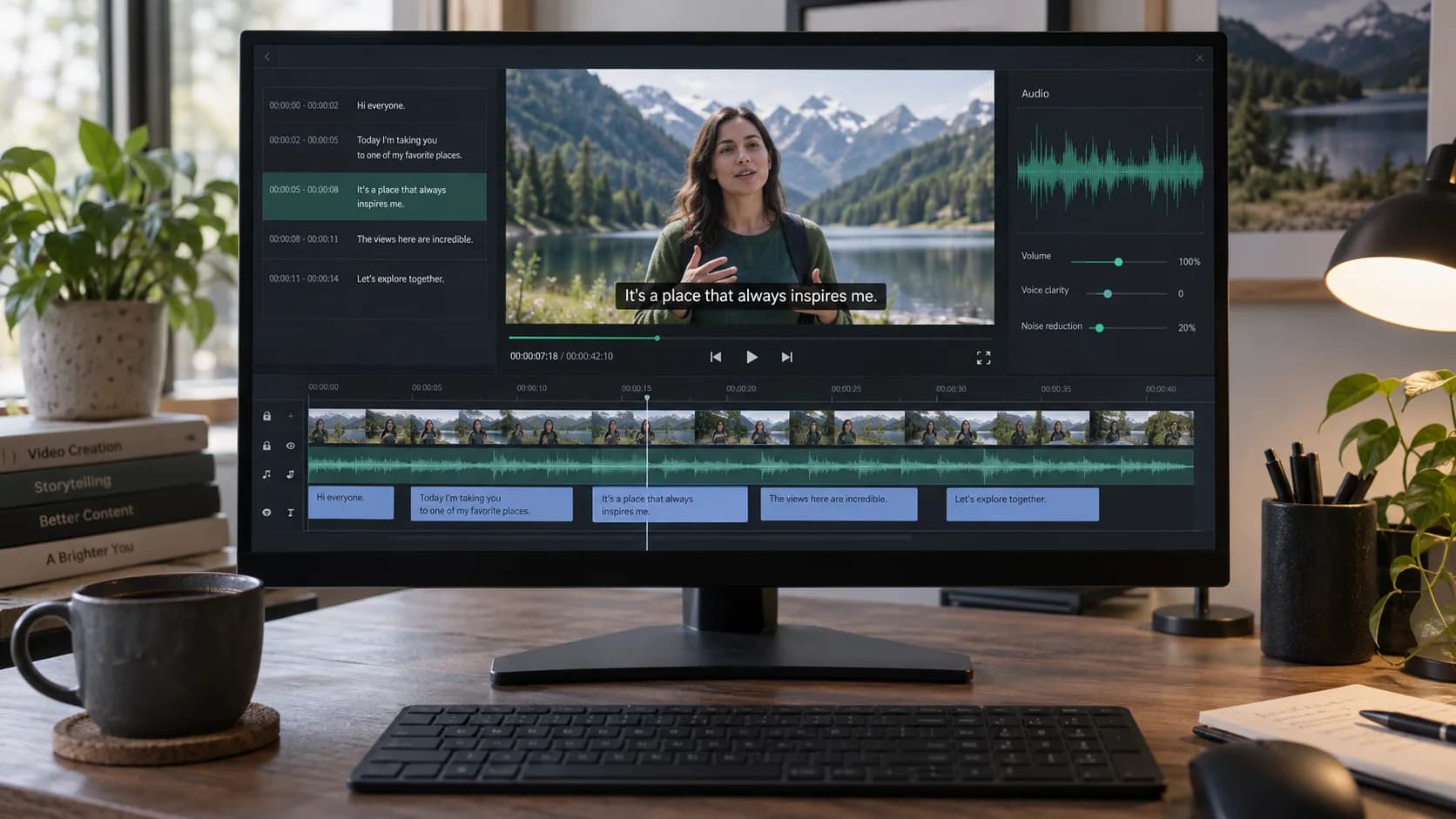
What you will achieve
A checked translation that keeps the original timestamps and speaker labels, exported in the format you need.
Step-by-step
- 1
Open the completed transcript
Choose a completed task from transcription history and open its detail view.
- 2
Review the source first
Correct names, numbers, specialist terms and speaker labels before translating.
Fixing source errors first prevents them from becoming less obvious in another language.
- 3
Choose the target language
Open translation, select the language you need and start. The source transcript remains unchanged.
- 4
Compare the result
Switch between source, translation and side-by-side views while timestamps and speaker turns stay aligned.
- 5
Export the right version
Download translated TXT, translated SRT, or bilingual SRT containing source and translation together.
Frequently asked questions
Does translation overwrite the source transcript?
No. Source and translated content are stored separately.
Does bilingual SRT include both languages?
Yes. Each timed subtitle cue contains the source text and its translation.
Does this create translated voice audio?
No. Use Video Translation when you also need translated speech or dubbing.
Try the workflow now
The workbench opens the right tool so you can follow the steps while completing the task.
Translate a transcript