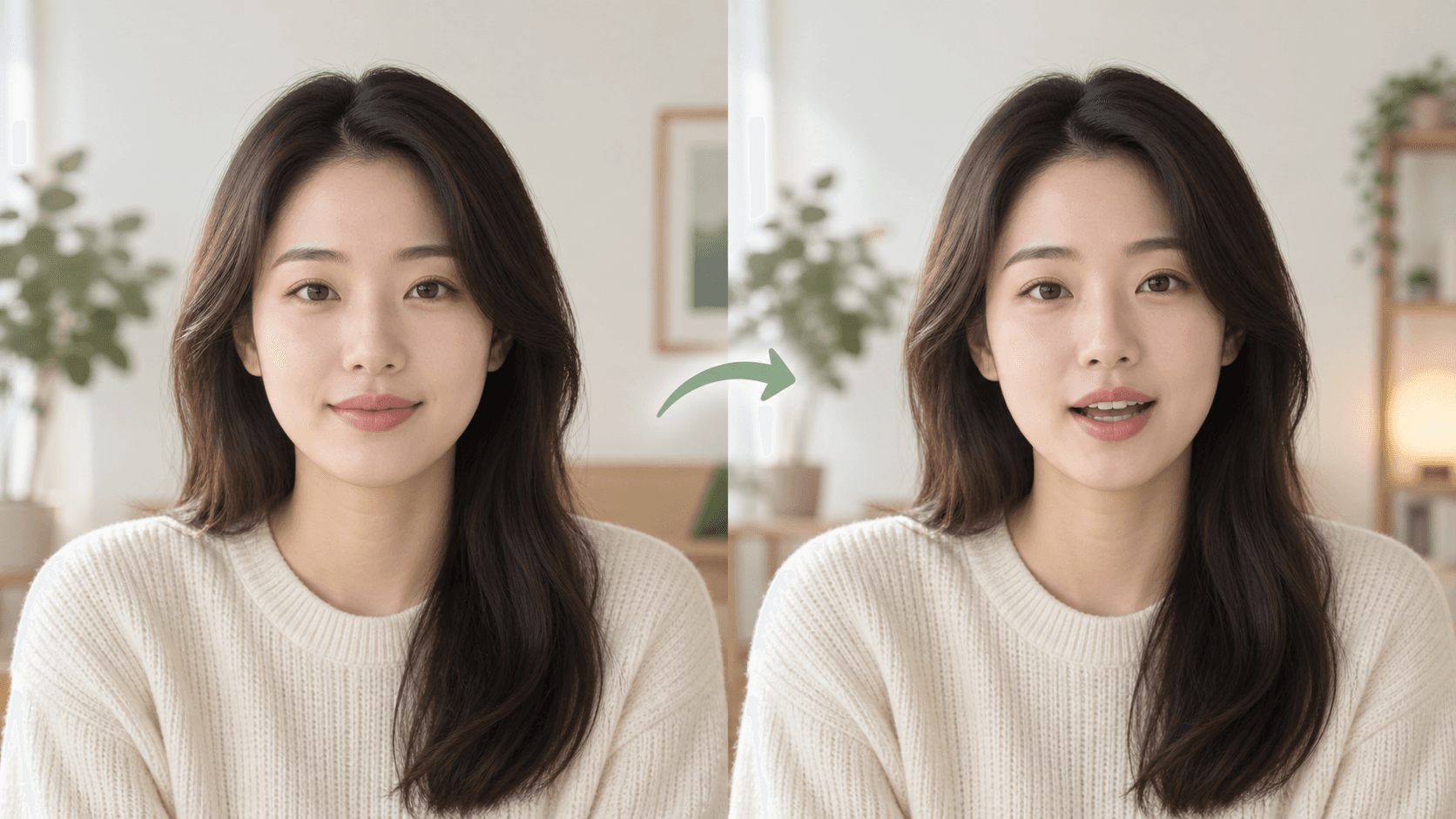
What you will achieve
Combine a suitable portrait with text or audio, choose a voice and generate a talking-photo video.
Step-by-step
- 1
Choose the portrait
Open Talking Photo and upload a front-facing, well-lit image with an unobstructed face.
- 2
Add the speech
Enter text and choose a voice, or use the audio option available in the workflow.
- 3
Preview the setup
Check pronunciation, framing and the amount of headroom around the face.
- 4
Generate and review
Create the video and watch lip movement, facial stability and audio before downloading.
Frequently asked questions
What kind of portrait works best?
Use a sharp, front-facing image with one visible face, even lighting and no object covering the mouth.
Try the workflow now
The workbench opens the right tool so you can follow the steps while completing the task.
How to Make a Talking Photo