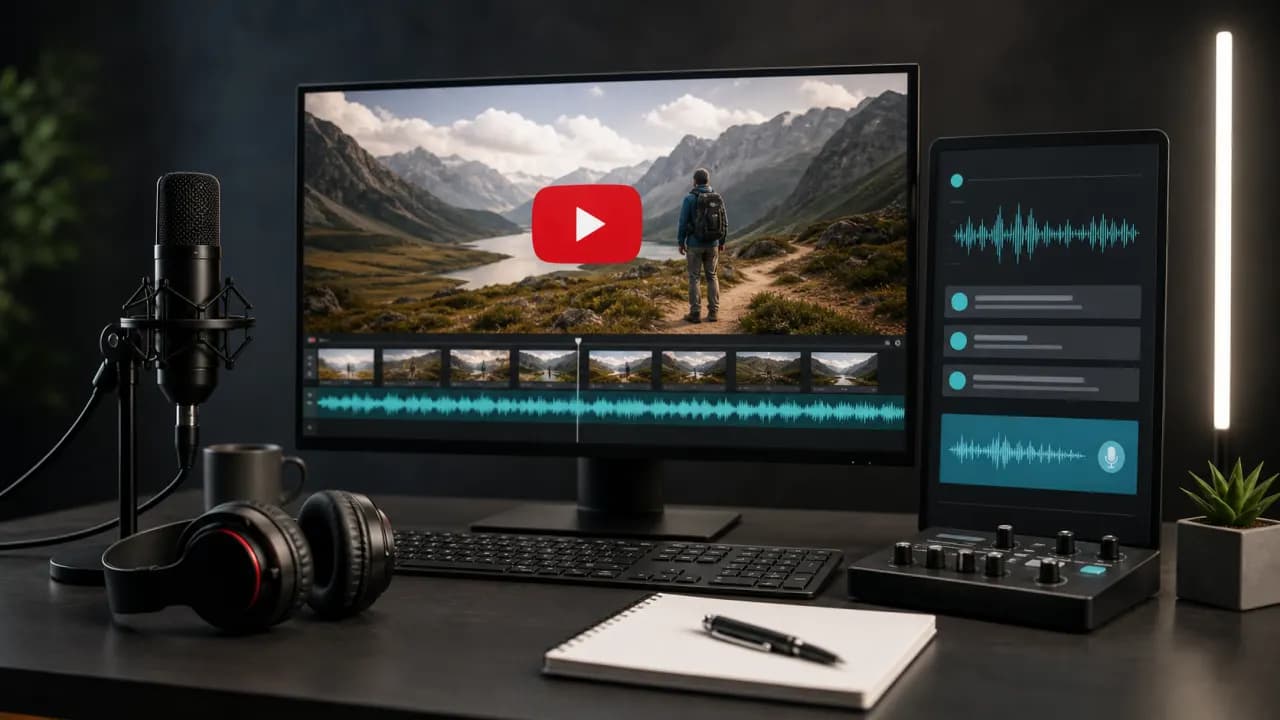
Text to speech can help YouTube creators publish narration consistently without recording every revision. It is useful for tutorials, product walkthroughs, explainers, documentary-style videos, Shorts, and translated versions of existing content.
The goal is not simply to create audio. A successful YouTube voiceover needs a strong opening, clear pacing, accurate pronunciation, and enough variation to hold attention while supporting the visuals.
Key takeaways
- Write the first 30 seconds for immediate clarity and momentum.
- Use a repeatable voice and pronunciation guide across a channel.
- Generate in sections that match the video edit.
- Disclose synthetic content when required by the platform or context.
Where text to speech works on YouTube
Text to speech is less suitable when the creator's spontaneous personality is the main reason viewers watch. In that case, an AI voice can still handle intros, translated versions, updates, or supplemental content.
- Software tutorials and screen recordings.
- Product comparisons and feature explainers.
- Educational lessons and study guides.
- List videos and documentary-style storytelling.
- YouTube Shorts and social-first clips.
- Localized versions of an existing channel.
1. Write a YouTube-ready narration script
Open with the topic and benefit instead of a long introduction. Viewers should quickly understand what they will learn or see.
Write visual cues into the working script, but keep them separate from spoken text. Mark where a screen recording changes, a product appears, or a key caption needs to be shown.
- Use short paragraphs for clean editing.
- Add pattern changes between explanation, example, and summary.
- Repeat important conclusions without repeating entire sentences.
- End with one specific next action.
2. Build a consistent channel voice
Choose a voice that remains comfortable across the typical length of your videos. A dramatic preview can become tiring over ten minutes.
Create a channel voice sheet containing the selected voice, default speed, pronunciation of the channel name, product names, recurring segments, and standard calls to action.
Test the voice with your channel intro, a technical sentence, a number, and the final call to action. These expose different pronunciation and delivery issues.
3. Produce narration in editable sections
- 1
Generate the hook
Review the first 20 to 30 seconds before producing the rest.
- 2
Generate by scene
Keep filenames aligned with the script or timeline.
- 3
Review at normal speed
Do not judge clarity only while scrubbing an editor timeline.
- 4
Replace individual lines
Regenerate small sections when facts or visuals change.
- 5
Save a clean master
Keep the final narration separately from the compressed upload.
Text to speech for YouTube Shorts
Shorts need faster context, not necessarily a dramatically faster voice. Remove setup that viewers do not need and align each sentence with a visible change.
Keep captions concise and inside mobile-safe areas. Check that the first spoken phrase still makes sense when someone begins watching in the middle of a feed.
Quality and publishing checklist
- Names, dates, prices, and technical terms are correct.
- The narration matches the final edit.
- Background music does not mask consonants.
- Captions match the spoken version.
- The title and thumbnail accurately describe the content.
- Any necessary synthetic-media disclosure is complete.
Reuse the workflow for another language
Start from the approved source script, translate for meaning and timing, then select a native-sounding voice in the target language. Do not assume a literal translation will fit the original edit.
Review local names, units, calls to action, and cultural references. A localized version should feel written for the viewer rather than copied from another language.
Frequently asked questions
Can I use text to speech for YouTube videos?
Yes. Text to speech can be used for tutorials, explainers, Shorts, translated videos, and many other formats. Creators remain responsible for platform policies, rights, and accurate disclosure where required.
What type of AI voice is best for YouTube?
Choose a clear voice that fits the topic and remains comfortable over the full video length. Consistency and intelligibility usually matter more than dramatic delivery.
Can I monetize YouTube videos with AI narration?
Monetization depends on the complete content, originality, value, rights, and current YouTube policies. AI narration alone does not determine whether a video qualifies.
How can I keep the same voice across videos?
Reuse the same voice and settings, maintain a pronunciation guide, and save standard intros, outros, and recurring phrases.