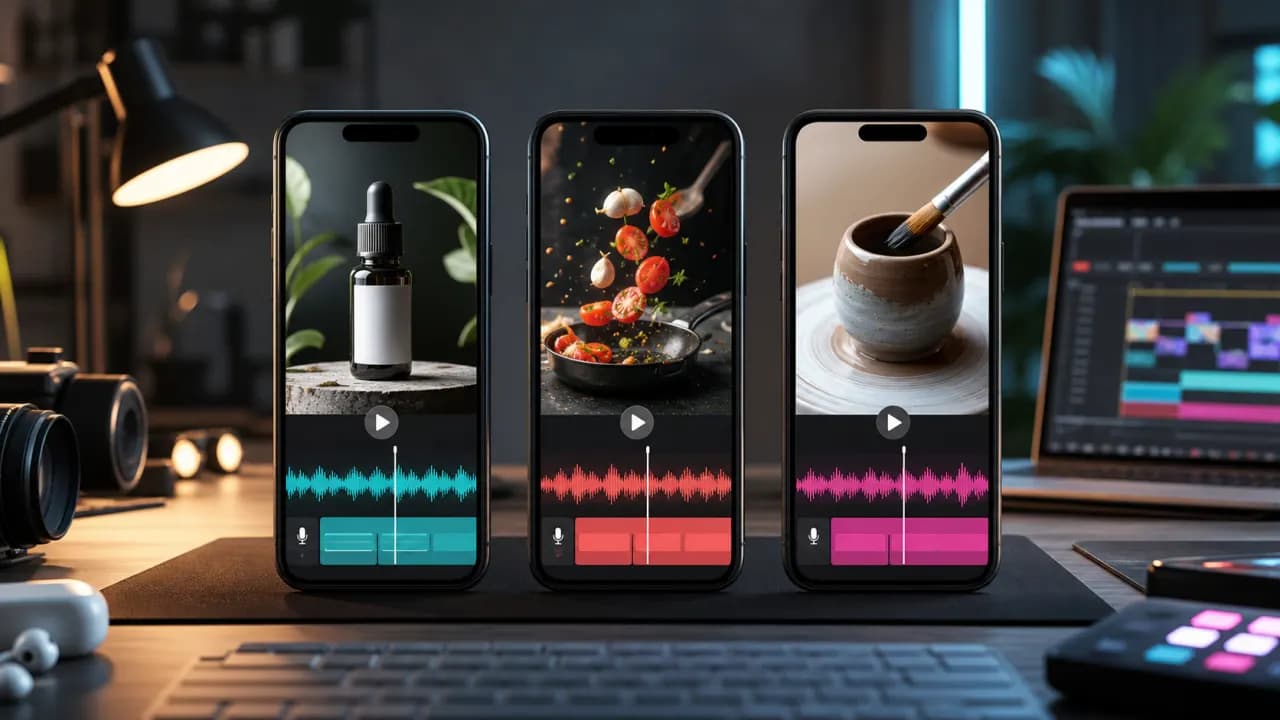
Short vertical videos give a voiceover very little time to establish context. The narration must work with fast visuals, mobile speakers, captions, and viewers who may decide whether to continue within the opening seconds.
A good AI voiceover workflow for TikTok, Instagram Reels, and YouTube Shorts focuses on concise writing, strong synchronization, and repeatable production rather than simply increasing speech speed.
Key takeaways
- Start with the result, problem, or strongest visual.
- Write one spoken idea for each visual beat.
- Keep captions readable instead of transcribing oversized blocks.
- Create reusable voice settings for a recognizable series.
Understand the short-video format
A short video is not a long video compressed into less time. It usually needs fewer ideas, earlier context, and a tighter connection between each line and what appears on screen.
Decide whether the voiceover is teaching, demonstrating, reviewing, storytelling, or selling. That purpose determines pace and tone more reliably than the platform name.
1. Write a voiceover in visual beats
- 1
Hook
State the result, tension, or useful promise immediately.
- 2
Context
Give only the background needed to understand the demonstration.
- 3
Value
Show the steps, proof, comparison, or transformation.
- 4
Payoff
Deliver the promised result clearly.
- 5
Action
End with one relevant next step instead of several requests.
Remove any opening phrase that still makes sense when deleted. Short videos rarely need greetings or lengthy setup.
2. Choose energy without losing clarity
An energetic voice does not need to be loud or extremely fast. Look for a clean attack at the beginning of sentences, clear consonants, and natural variation.
Match the voice to the subject. A calm demonstration can create contrast in a busy feed, while a sharper delivery may fit a quick reveal or comparison.
3. Generate and time each section
Generate short sections corresponding to the hook, body, and final action. Place them in the timeline and adjust the script to the visuals.
When a line is too long, remove words before increasing speed. A rushed sentence is harder to understand on small speakers and gives captions less time on screen.
- Keep a brief pause before a reveal.
- Align important words with text or product close-ups.
- Avoid cutting the final syllable at a scene transition.
- Leave room for visual-only moments when the image explains enough.
4. Design captions for mobile viewing
Break captions by meaning, not at arbitrary character counts. Keep them away from platform controls and use enough contrast over changing footage.
Highlighting every word can become distracting. Emphasize only the words that help a viewer scan the message or follow a demonstration.
5. Create a repeatable series
Use the same voice and general mix across related posts. Save an intro pattern, caption style, music level, and export preset.
Consistency reduces production time and helps viewers recognize the format, while the script and visuals can still vary from post to post.
Short-form publishing checklist
- The opening makes sense without extra context.
- Speech is understandable on a phone speaker.
- Captions stay inside safe areas.
- The voiceover matches every visual claim.
- Music is lower beneath speech.
- The final frame remains long enough to read.
Frequently asked questions
How long should a short-video voiceover be?
It should fit the final edit without rushed delivery. Read the script aloud against the timeline and remove unnecessary setup before generating audio.
Should AI voiceovers for TikTok be fast?
They should feel efficient, but clarity matters more than raw speed. Shorten the script and use visual changes to create momentum.
Can I use the same AI voice on TikTok, Reels, and Shorts?
Yes. A consistent voice can help a series feel connected across platforms, while each export should still respect platform-specific safe areas and duration.
Do short videos with voiceovers need captions?
Captions are strongly useful because many people encounter short videos with low or muted sound and because mobile environments can make speech harder to hear.