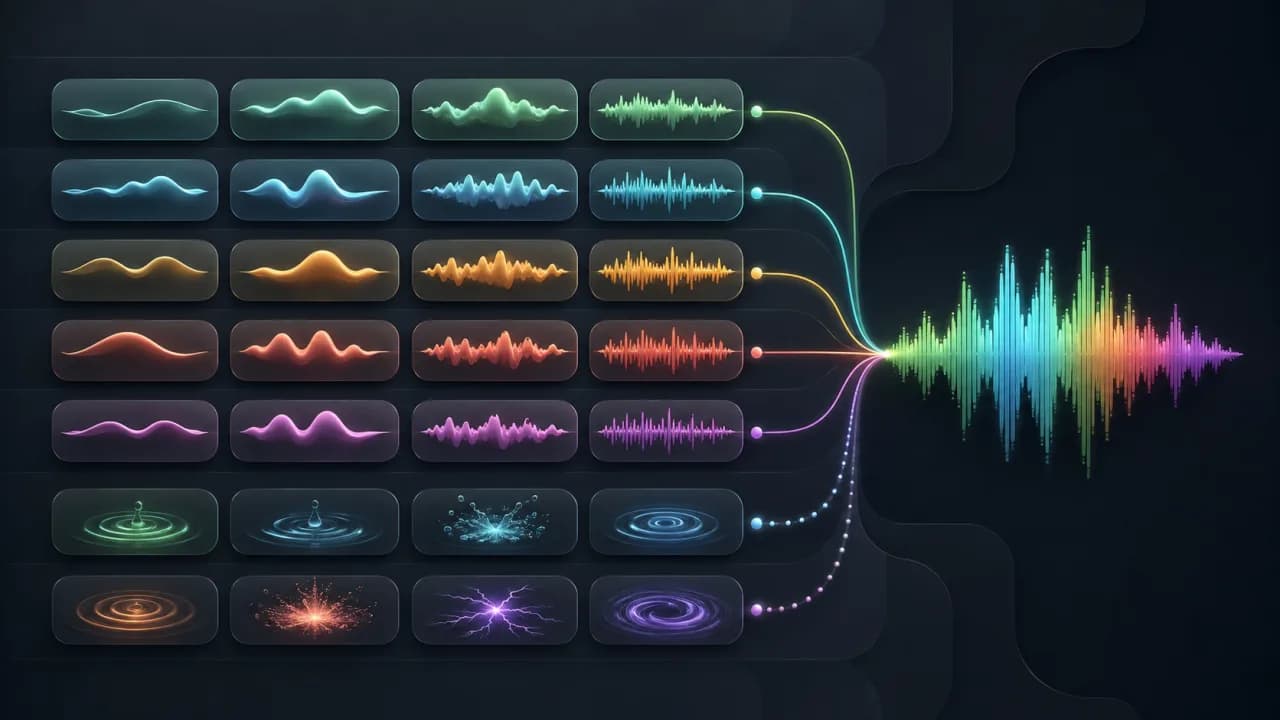
Emotion tags are short markers placed directly in a text-to-speech script. Some change the tone of the words that follow, while others insert a non-verbal sound at one precise point.
Use this reference to understand the two types, choose an appropriate tag, and build scripts that remain readable and intentional.
Key takeaways
- Control tags affect following speech; sound tags act at their position.
- Tags should reinforce meaning already present in the script.
- One clear transition is usually stronger than several rapid changes.
- Always test tags with the exact voice and script you plan to publish.
Customize this example
Send the script and suggested direction to the workbench, then choose a compatible voice.
[serious] Check the safety steps first. [excited] Then you are ready to begin! [laughing] That was easier than expected.
Before / After
Same voice and script; only the After version adds expressive tags.
Natural delivery
Qwen-Audio-TTS · Long An Huan
Two types of expressive voice tags
Control tags set a tone, emotion, or delivery style for the following words. The effect continues until another control tag appears or the passage is split.
Sound-effect tags insert a laugh, sigh, gasp, cough, or other non-verbal moment where the tag appears. They do not define the emotional style of the surrounding passage.
Emotion and tone tag examples
- [excited] — energetic announcements, launches, and positive reveals.
- [serious] — warnings, policies, safety information, and important context.
- [empathetic] — support messages and sensitive explanations.
- [curious] — questions, discoveries, and educational hooks.
- [sad] — reflective or genuinely difficult moments.
- [angry] — conflict and dramatic character dialogue; use carefully.
- [sarcastic] — obvious irony in entertainment content.
- [whispers] — secrets, suspense, and intimate delivery.
- [asmr] — deliberately soft, close and gentle speech.
- [very slowly] / [very fast] — intentional local pacing changes.
Sound-effect tag examples
- [laughing] — an open laugh at a clearly humorous moment.
- [giggles] — a lighter, smaller laugh.
- [sighing] — relief, frustration, hesitation, or reflection.
- [gasp] — surprise or sudden realization.
- [clears throat] — a transition into a formal or awkward statement.
- [cough] — character action or situational detail.
- [snorts] — a dismissive or amused reaction.
Where to place a tag
Place a control tag immediately before the words whose delivery should change. Place a sound tag exactly where the non-verbal sound should occur.
Keep punctuation natural around the tag. The script still needs to read clearly when you mentally remove the markers.
- 1
Write the plain script
Make sure the message works without effects.
- 2
Mark one important transition
Choose the point where delivery should genuinely change.
- 3
Insert the smallest useful tag
Select one emotion or one sound effect from the toolbar.
- 4
Listen in context
Generate the sentences before and after the tag, not only the tagged phrase.
Scripts you can adapt
- [serious] Please review the safety steps before continuing. [excited] Once that is done, you are ready to begin!
- We finally shipped the update. [laughing] I still cannot believe how quickly the team finished it.
- [empathetic] We know this can feel confusing. Let us go through the next step together.
- [curious] What would happen if your next video could speak to every audience?
- [whispers] Here is the part most people miss.
Treat these as structural examples. Rewrite the words for your audience instead of pasting a generic line into published work.
Emotion tags versus voice direction
Voice direction sets the overall performance: calm, confident, conversational, or energetic. Tags create visible local changes inside the script.
A useful workflow is to set one overall direction and add no more than a few local tags. If every sentence needs a new tag, the script probably needs a clearer emotional arc.
Common mistakes
- Stacking several control tags before one sentence.
- Adding laughter where the words are not actually funny.
- Using sound effects to hide weak pacing.
- Changing emotions more often than the meaning changes.
- Assuming every voice supports every tag.
- Publishing without listening to the full transition.
Frequently asked questions
What are text-to-speech emotion tags?
They are visible markers in a script that tell a compatible voice to change emotion or delivery style from a specific point.
What is the difference between an emotion tag and a sound-effect tag?
An emotion tag affects the spoken words that follow. A sound-effect tag inserts a non-verbal event at its exact position.
Can I combine multiple AI voice tags?
Yes, but use a clear sequence rather than stacking conflicting tags. Test the whole passage to confirm that each transition is understandable.
Do emotion tags work with every AI voice?
No. The editor should expose the controls only when the selected voice supports expressive text tags.