
Track SeparationSep 10, 2026
How to Extract Vocals from a Video
Separate dialogue or singing from a video's music and ambience without creating a separate video workflow.
Read the full guideVimorph Creator Academy
Practical guides for AI voiceovers, voice cloning, video translation and creator growth.
Separate dialogue or singing from a video's music and ambience without creating a separate video workflow.
Read the full guide
A practical way to mark fixed captions, avoid covering too much of the frame, review difficult backgrounds, and export a clean result.
Read guide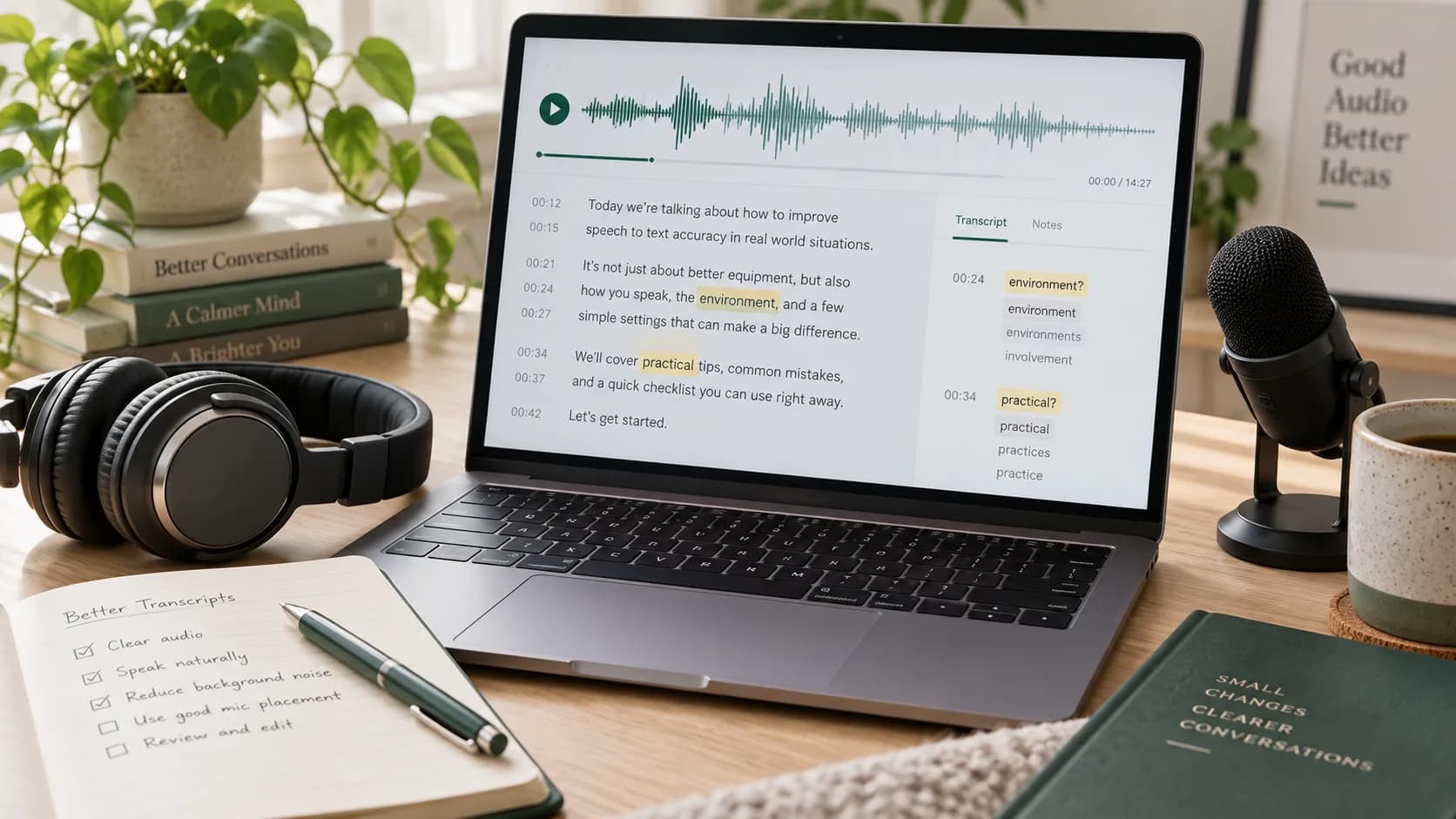
Improve speech-to-text results with better microphone placement, cleaner audio, sensible language settings, and a focused review checklist.
Read guideLearn why reverb, backing vocals, and overlapping frequencies can remain after vocal isolation—and what can actually improve the result.
Read guide
Learn how to select text, dates, and small logos closely, inspect reconstructed texture, and know when a second pass is worthwhile.
Read guide
Understand when WAV gives a separator more to work with, when MP3 is sufficient, and why converting formats cannot restore lost detail.
Read guideChoose separate regions for corner logos, dates, and fixed marks, then review movement and scene changes before export.
Read guideChoose a voice, enter your script and start creating in minutes.