Why translate YouTube videos into English?
English is a practical bridge language for global audiences. If your original video is in Chinese, Spanish, Japanese, Korean, Portuguese, French, German, or another language, an English version can help the same content reach more viewers, customers, and collaborators.
This is especially useful for videos that already perform well, such as tutorials, product demos, course clips, interviews, reviews, explainers, and creator content. Instead of rebuilding the entire video pipeline, you can localize the original video and give it a second life in a new market.
Start with videos that already have strong retention, search traffic, or business value. Translating your best content first gives you a clearer return on effort.
What you need before translating
Before you start, prepare a few basic things so the AI workflow has the right source material and you know what final output you want.
The cleanest original video file
Source language and target language
Preferred output: subtitles, dubbing, MP4, SRT, or VTT
Important names, brand terms, and calls to action
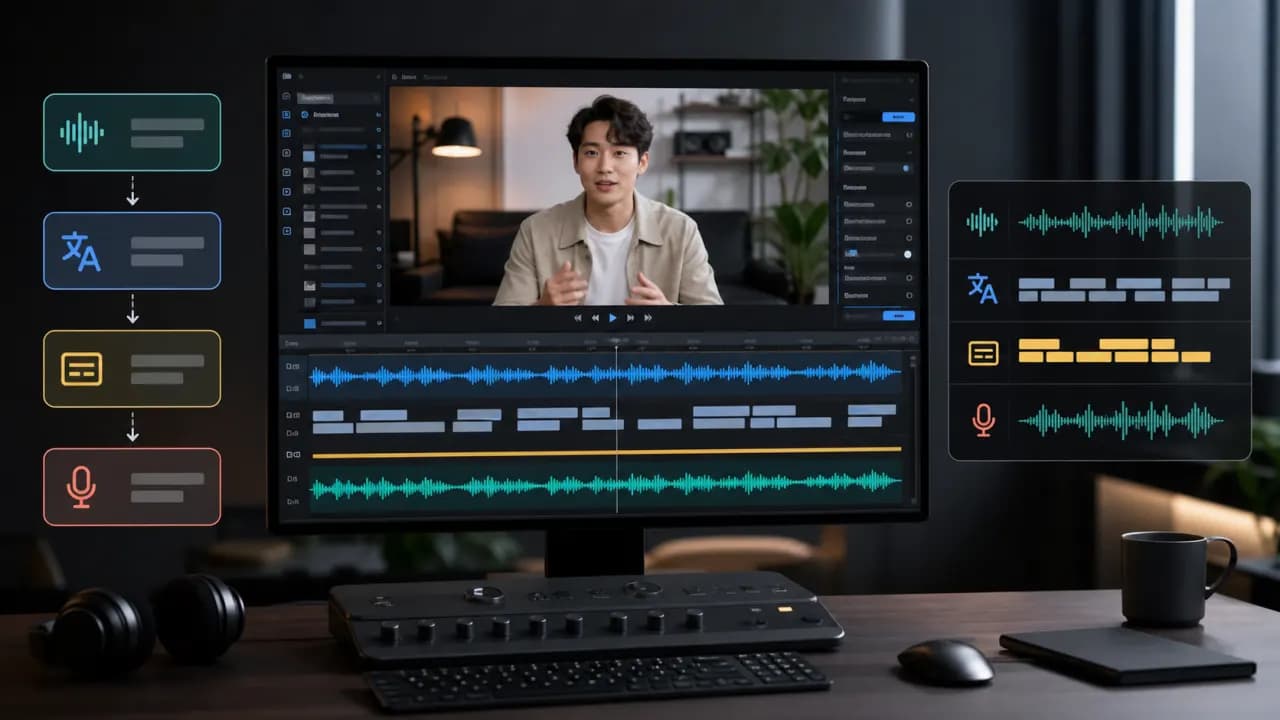
Step-by-step AI video translation workflow
Upload the original video
Start by uploading the cleanest video file you have. Clear speech and limited background noise usually lead to better transcription and cleaner final results.
Generate a transcript
AI speech recognition turns the spoken audio into timed text. This transcript becomes the base for subtitles, translation, dubbing, and segment-level editing.
Translate the subtitles into English
Translate the transcript into English with readability in mind. The final text should keep the meaning, sound natural, and stay short enough for viewers to read comfortably.
Create an English AI voiceover
If you want a dubbed version, generate an English AI voiceover from the translated script. Choose a voice that matches the tone and pace of the original video.
Review and edit
Check names, numbers, product terms, subtitle timing, voice tone, and the call to action. Edit and regenerate individual lines when something feels off.
Export MP4, SRT, or VTT
Export MP4 for a complete localized video, SRT for YouTube Studio captions, or VTT for web players and subtitle workflows.
Subtitles vs AI dubbing
Use subtitles when
You want a fast, flexible, and lower-cost localization layer. Subtitles are easy to review, easy to update, and useful when viewers still want to hear the original speaker.
Use AI dubbing when
You want English-speaking viewers to listen naturally without reading. This works well for tutorials, product demos, course previews, explainers, and marketing content.
For important videos, use both English dubbing and subtitles for a better viewing experience.
Common mistakes to avoid
How Vimorph helps
Vimorph helps creators upload a video, generate a timed transcript, translate subtitles, create AI voiceover, review key segments, and export MP4, SRT, or VTT files in one workflow.
FAQ
Can I translate a YouTube video into English automatically?
Yes. AI can transcribe the original audio, translate the script into English, generate subtitles, and create an English voiceover. You should still review important terms, timing, and voice tone before publishing.
Should I use subtitles or AI dubbing?
Use subtitles when you want a fast and low-cost translation layer. Use AI dubbing when you want the video to feel more natural for viewers who prefer listening instead of reading.
Can I upload translated subtitles to YouTube?
Yes. YouTube supports subtitle files such as SRT. You can export an SRT file and upload it to YouTube Studio as translated captions.
What is the best format for YouTube translated subtitles?
SRT is usually the most practical format for YouTube captions. It is simple, widely supported, and easy to review or edit.
Can I translate YouTube Shorts into English?
Yes. YouTube Shorts can be translated with subtitles, AI dubbing, or both. For Shorts, keep subtitle lines short because most viewers watch on mobile screens.
What should I check before publishing an AI-translated video?
Review names, brand terms, numbers, subtitle timing, voice tone, emotional expression, and the call to action. A short review pass can make the final result feel much more natural.
Translate your next YouTube video with AI
Upload your video, generate English subtitles, create AI dubbing, and export MP4, SRT, or VTT files for publishing.